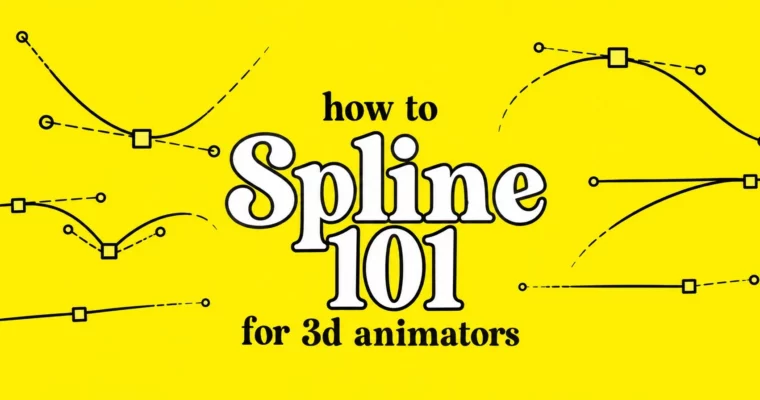
How to Spline 101 by Animawarriors

Release date:2024
Publisher:Animawarriors
Skill level:Beginner
Language:English
Exercise files:Yes
Course URL:https://www.animawarriors.com/
Splining is where your blocking either comes alive or falls apart. This 101 breaks down how to get out of stepped keys and into clean splines with real flow, weight, and snap — the kind that plays smooth at 24fps.
🎯 What you’ll learn
- How to move from blocking to spline without killing the energy
- How to read, clean, and control curves in the Graph Editor
- How to get solid timing and spacing that reads at 24fps
- How to add flow, dynamism, and detail without overshoot
- How to spot and fix pops, floats, twinning, and dead curves
✅ Requirements
- Skills: Basic understanding of keyframes and posing, familiarity with animation principles
- Tools: Autodesk Maya, 3-button mouse
- Hardware: PC or Mac capable of running Maya smoothly
📝 Description
Blocking is just the idea. Splining is what makes it move right. In this course you work directly in the Graph Editor, learning how curves actually drive timing and spacing. No guesswork, no hitting play and hoping. You see why a shot feels floaty, why it pops, and how to fix it with tangents, breakdowns, and curve shape.
You learn it from a production point of view. Jordan walks through the same order you would use on a real shot — first spline pass, curve cleanup, then flow and detail. You keep your strong poses from blocking, then build smooth transitions that still have snap. It is all about making it work at 24fps, not just looking good frozen on a single frame.
Expect a lot of practical stuff. How to keep arcs clean when everything goes to spline. How to keep hips, chest, and head connected so the body has real flow. How to layer in small offsets and texture at the end without making a mess. Short lessons, straight talk, stuff you can use on your next shot right away.
🧑🎓 Who this course is for
- Beginners stuck in stepped mode who want clean first splines
- Students with a couple blocked shots who keep getting floats and pops
- Anyone who opens the Graph Editor and feels lost
🧑🏫 About the Author
Jordan Barg is an animator at Sony Pictures Imageworks and instructor with Animawarriors. He has worked on feature-level 3D animation where shots have to survive scrutiny at full speed, 24 frames per second. His thing is the technical side — curves, timing, and making acting and action read clearly without extra noise.
🏁 Final Result
- A polished spline shot with clean curves, solid timing, and readable flow — ready to push into final polish for your reel.
 Channel