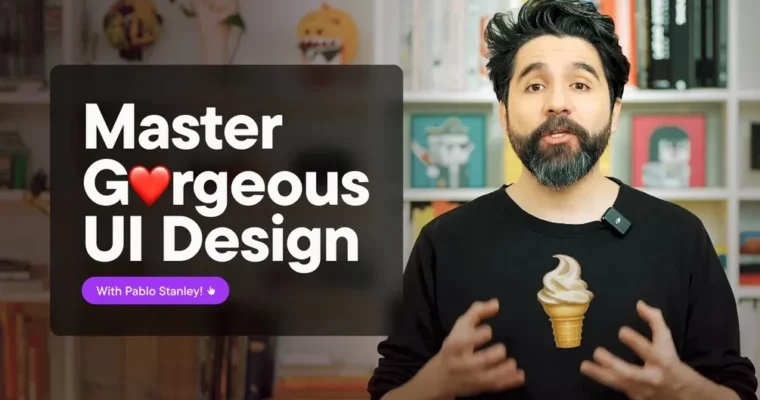
Gumroad -Master Gorgeous UI Design Course by Pablo Stanley

Actual Duration:10h 55m
Release date:2024, February
Publisher:Gumroad
Skill level:Beginner
Language:English
Exercise files:Yes
Software:Figma, Lummi
Course URL:https://pablostanley.gumroad.com/l/ui-design-course
This is a straight-to-the-point UI course for making interfaces that actually look good. You will work in Figma, nail down typography, color harmony, and layout, then put it all into real screens like dashboards and landing pages.
🎯 What you’ll learn
- UI design foundations and core visual principles
- Typography as a practical tool for hierarchy and readability
- Color harmony for clean, functional interfaces
- Layout, spacing, and grid for strong composition
- Building a basic component system for reuse
- Designing a dashboard, login screen, and settings page
- Designing and practicing with a landing page
- Developing your own recognizable design style
✅ Requirements
- Skills: Basic computer literacy, no prior UI experience needed
- Tools: Free Figma account, modern web browser, optional Lummi account for imagery
- Hardware: Any modern computer capable of running Figma with a stable internet connection
📝 Description
This course skips the fluff and focuses on what makes an interface look polished. Pablo walks you through the decisions real designers make every day – what type size to pick, how much spacing is enough, when color helps and when it just adds noise.
You will start with the basics: visual hierarchy, typography, and color harmony. Not theory for theory’s sake, but stuff you can apply right away in Figma. Then you move into layout and grids, so your screens stop feeling random and start feeling intentional.
After that, it’s all hands-on. You will build a simple component system with buttons, inputs, and other UI elements, then use it to design a dashboard, login screen, settings page, and a landing page. By the end you have finished work to show, plus templates and a resource library to keep using.
Heads up: this was recorded a while ago, so some Figma buttons look a bit different now. The fundamentals haven’t changed, and that’s what this course is really about.
🧑🎓 Who this course is for
- Beginners who want to make interfaces that look clean and professional
- Developers, product folks, or marketers who end up doing UI in Figma
- Junior designers who know the tools but struggle with taste and consistency
🧑🏫 About the Author
Pablo Stanley has been designing for most of his life. He co-founded Carbon Health, Blush Design, and Musho, held design roles at Lyft, InVision, and Udemy, and now works on v0 at Vercel.
He is known for making design feel less intimidating and actually fun to learn. He has spent years teaching new designers through videos, comics, and hands-on courses, which is exactly the vibe you get here.
🏁 Final Result
- A finished set of UI screens including a dashboard, login screen, settings page, and landing page, built from your own reusable component system in Figma
 Channel