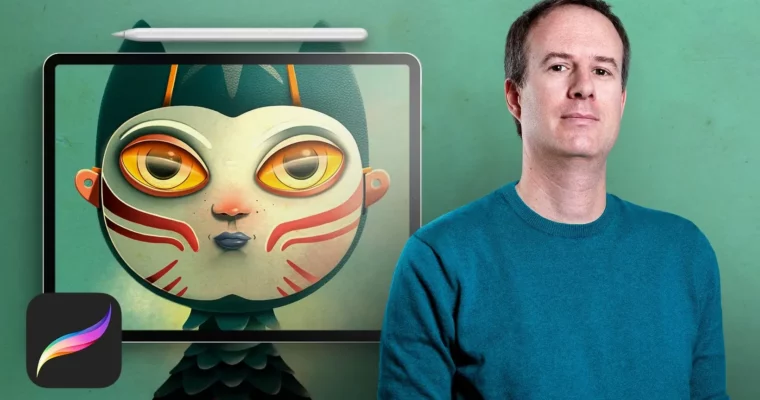
Digital Illustration by Procreate by Óscar Lloréns

Actual Duration:2h 3m
Release date:2020, May
Publisher:Domestika
Skill level:Beginner
Language:English
Exercise files:Yes
Software:Procreate
Course URL:https://www.domestika.org/en/courses/347-digital-illustration-with-procreate
Get professional results for your digital illustrations with this app for iPad. This course, updated for Procreate 5, walks you through the entire process from interface basics to a finished, client-ready piece.
🎯 What you’ll learn
- Navigate the Procreate interface and master essential gestures
- Use brushes, layers, and color tools effectively
- Develop a character from sketch to final illustration
- Apply shadows, lighting, and textures for a polished look
- Export high-resolution files for professional use
✅ Requirements
- Skills: No prior knowledge of Procreate needed; basic familiarity with drawing is helpful.
- Tools: iPad Pro or a last-generation iPad, Apple Pencil, and the Procreate app.
- Hardware: iPad with stylus support.
📝 Description
Óscar Lloréns has spent nearly two decades illustrating for big names like El País Semanal, Vanity Fair, and Skoda. He’s the kind of artist who treats personal projects as seriously as client work—that’s how he ended up making Procreate his go-to tool for fast, professional results.
This course is built around that same practical mindset. You’ll start by getting comfortable with the app’s interface, gestures, and brush library. Then you’ll move straight into painting: sketching a character, applying color, blocking in shadows, and adding those small details that make an illustration pop. The final module covers finishing touches and exporting a high-res file ready to send to a client.
What sets this apart is the focus on real workflow. You’re not just learning buttons—you’re learning how an actual pro uses Procreate to deliver work under deadline. The 2020 update also covers new Procreate 5 features like Clone, Color, and animation tools, so you’re getting current techniques.
🧑🎓 Who this course is for
- Illustrators and designers wanting to go digital with Procreate
- Anyone curious about creating professional art on an iPad
- Beginners with no prior Procreate experience
🧑🏫 About the Author
Óscar Lloréns is an illustrator and designer with nearly 20 years in the industry. His client list includes Coca-Cola, Fiat, Red Bull, Vodafone, and Movistar, and his work has appeared in El País Semanal and Vanity Fair. He’s also created large-scale illustrations for TV, including the confession room backdrop for Gran Hermano. His teaching style is direct and practical, rooted in real-world commercial work.
🏁 Final Result
- A complete digital character illustration, from initial sketch to final high-resolution export, ready for your portfolio or client presentation.
 Channel