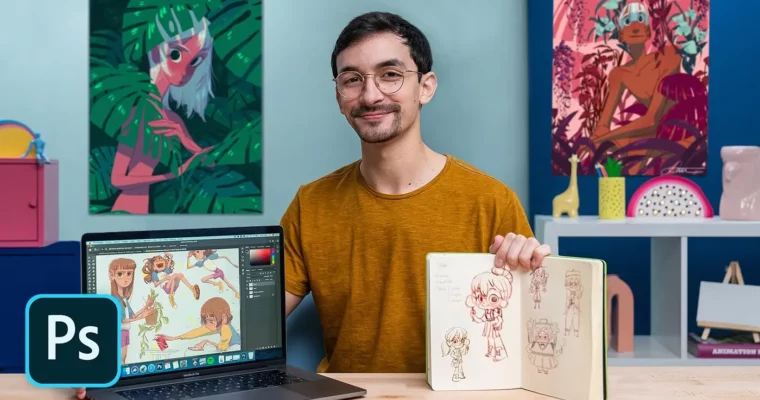
Character Design for Animation with Photoshop by Caio Martins

Duration:19 lessons & 20 downloads
Actual Duration:4h 15m
Release date:2020, April
Publisher:Domestika
Skill level:Intermediate
Language:English
Exercise files:Yes
Software:Adobe Photoshop
Course URL:https://www.domestika.org/en/courses/1073-character-design-for-animation-with-photoshop
This course walks you through the entire character design process for animation, from interpreting a client briefing to delivering a polished model sheet. Caio Martins, a professional character designer who has worked with DreamWorks, Netflix, and Disney Jr., shares his practical workflow for creating characters with strong identities, expressive poses, and consistent proportions using Adobe Photoshop.
🎯 What you’ll learn
- Develop a character concept from a professional animation briefing
- Create expressive sketches and explore silhouettes in a sketchbook
- Apply color theory to reinforce character personality
- Draw expression sheets and character turnarounds in Photoshop
- Prepare a portfolio-ready model sheet for animation studios
✅ Requirements
- Skills: Basic knowledge of drawing and familiarity with Adobe Photoshop
- Tools: Sketchbook, pencil, eraser, computer with Adobe Photoshop installed
- Hardware: A graphics tablet is recommended but not essential
📝 Description
Caio Martins doesn’t just show you how to draw pretty characters. He walks you through the actual professional pipeline used in animation studios. You start with a briefing — the same kind of document a real studio would hand you — and learn how to break it down, gather references, and find the core idea before you even touch your pencil.
The course emphasizes the importance of traditional sketching. You’ll spend real time in your sketchbook exploring shapes, silhouettes, and gestures before moving into Photoshop. This analog-first approach helps you build a solid foundation for your character’s design, making the digital phase much more intentional.
Once you move into Adobe Photoshop, Caio demonstrates how to think about color as a storytelling tool. You’ll test different palettes and see how they shift the personality of your character. Then comes the technical part: drawing expressions from multiple angles and creating a full turnaround sheet. These are the exact deliverables animation studios expect from character designers.
The final unit focuses on presentation. Caio shows you how to organize your model sheet, build a clean portfolio piece, and share your work effectively on Instagram to attract professional opportunities.
🧑🎓 Who this course is for
- Artists and illustrators who want to break into the animation industry
- Character designers looking to formalize their workflow with professional standards
- Illustrators who want to learn how to create model sheets and turnarounds
🧑🏫 About the Author
Caio Martins is a professional character designer and storyboard artist based in Brazil. He has contributed to projects for major studios including DreamWorks, Netflix, and Disney Jr. His work spans character development, storyboarding, and visual development for animated productions. With years of industry experience, he brings a practical, studio-oriented perspective to character design education.
🏁 Final Result
By the end of this course, you will have a complete character model sheet — including a turnaround with multiple angles and an expression sheet — developed from a professional briefing. This portfolio-ready piece demonstrates your ability to design characters with consistent proportions, expressive range, and clear personality, exactly what animation studios look for in new hires.
 Channel