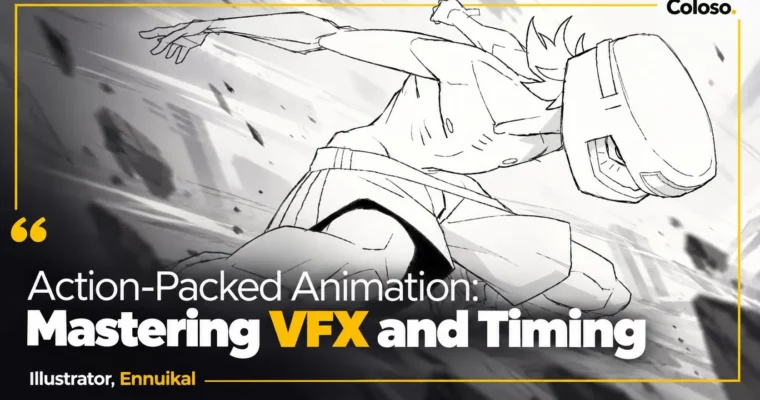
Action-Packed Animation – Mastering VFX and Timing by Ennuikal

Duration:22Hours 39Minutes
Actual Duration:22h 38m
Release date:2025
Publisher:Coloso
Skill level:Advanced
Language:English
Exercise files:Yes
Software:Clip Studio Paint EX, PureRef
Course URL:https://coloso.global/en/products/2danimator-ennuikal-us
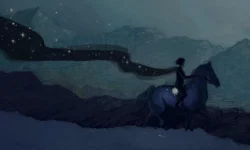
This is not a follow-along animation class. You will brainstorm, design, illustrate, and then animate your own original character in Clip Studio Paint, finishing with a full-color action shot packed with timing tricks and SFX animation. 32 videos, 26 hands-on exercises, and all the messy, experimental stuff in between.
🎯 What you’ll learn
- Create unique, readable character designs with strong shape language and silhouette
- Build inspiration boards in PureRef and turn them into original ideas without copying
- Plan dynamic compositions and color thumbnails that sell mood and lighting
- Draw confident lineart with smart lineweight and line economy for animation
- Animate with straight-ahead, pose-to-pose, timing, easing, and tweening in Clip Studio Paint
- Clean up, color, shade, and add SFX, gradient maps, and post-processing for a finished loop
✅ Requirements
- Skills: Basic drawing fundamentals, familiarity with digital illustration workflow
- Tools: Clip Studio Paint EX, PureRef, drawing tablet recommended
- Hardware: PC or Mac capable of running Clip Studio Paint with animation timeline
📝 Description
You start with taste, not technique. Ennuikal walks you through how he collects references, builds a PureRef board, trims it down, and then actually uses it. No hoarding 500 images. You learn what to keep from your style, what to drop, and how to avoid getting stuck copying your inspo.
Then you design. Theme first, shapes second. You will push silhouettes, swap hair shapes, try weird palettes, and lock a front-and-back character design that reads in one second. Color and value get treated like storytelling tools, not decoration. If it does not lead the eye, it gets cut.
For the final piece, you thumbnail like crazy, warp perspective a bit, and keep the background simple enough to animate later. That is the trick most people miss. You plan for motion early, so you are not repainting a super-detailed illustration frame by frame. Linework gets practical here too – fast vs slow lines, correction, lineweight for volume, and when to skip heavy lineweight entirely.
Animation is where it clicks. You get the Clip Studio Paint setup – shortcuts, auto actions, timeline tips – then straight-ahead for loose energy and pose-to-pose for solid acting. The big lesson is timing. Not more in-betweens, better spacing. Ease in, ease out, holds, and how to make a punch actually feel heavy. You will rough out the character, add inbetweens, clean it up in two passes, and tween the background just enough to keep it alive.
Last stretch is all juice. Simple flat colors, effective shading, layered SFX animation that does not turn into visual noise, plus gradient maps and level tweaks for that finished look. You end with two portfolio pieces: one polished illustration and one full-color action animation.
🧑🎓 Who this course is for
- Indie animators and illustrators who want a recognizable style that still moves well
- Clip Studio Paint users who want a full character-to-animation workflow in one place
- Beginners to advanced artists stuck doing static fanart who want to try timing, tweening, and SFX
🧑🏫 About the Author
Hi, I am Ennuikal – freelance animator, illustrator, and character designer obsessed with off-kilter original characters and daily art. I have spent years grinding rendering, line art, limited animation, and color, and I still treat every day like practice.
I previously worked as a freelance animator at STUDIO TRISTIOUS for $UICIDEBOY$ GREY DAY (2024), and my original work picked up Newgrounds recognition in August 2024 including Top Original Animation, Frontpaged, Daily Feature, and Weekly and Monthly placements. I teach what I actually use – experimental, fast, and built for solo creators putting work online.
🏁 Final Result
- A finished full-color action animation featuring your original character, with roughs cleaned up, shaded, and enhanced with layered SFX, gradient mapping, and post-processing – plus the polished key illustration and CSP files to show your process
📢 Guys, this is a Group Buy campaign, check the GBC forum thread to get access
You can find the course preview in the download section below.
 Channel