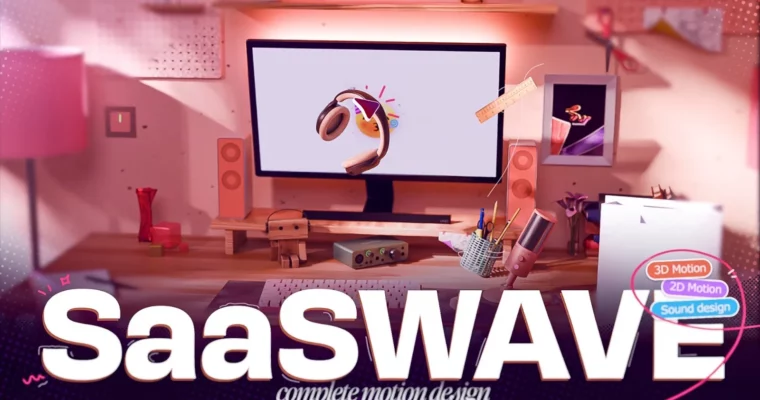
Complete Motion Design Course by SaaSWAVE

Duration:12hrs+
Actual Duration:12h 23m
Release date:2026
Publisher:SaaSWAVE
Skill level:Intermediate
Language:English
Exercise files:Yes
Software:Blender, After Effects, FL Studio
Course URL:https://saaswave.net/
Stop jumping course to course. This is an all-in-one motion design workflow where you build a real-world app explainer using Blender, After Effects and proper sound design, from script and voiceover all the way to final mix.
🎯 What you’ll learn
- Refine a raw script into animation-ready beats, timing and visual ideas
- Build clean 3D motion graphics scenes in Blender for explainers
- Use the Blender to After Effects pipeline for compositing and 2D overlays
- Animate 2D graphics with purpose, rhythm and clean 3D to 2D transitions
- Edit voiceover so it drives timing instead of sitting in the background
- Design sound that fits picture – music selection, effects and mixing
- Work with moodboards, references and project files like a production
✅ Requirements
- Skills: Familiarity with After Effects, basic moving-around experience in Blender
- Tools: Blender, After Effects, FL Studio or any video editor that handles audio like Premiere or DaVinci Resolve
- Hardware: Minimum 16GB RAM, dedicated GPU for Blender rendering, headphones for critical sound work
📝 Description
Most artists learn in pieces. One tutorial for Blender, another for After Effects, another for audio. Then you’re stuck trying to glue it all together on a real job. SaaSWAVE flips that. You follow one full production top to bottom: script → voiceover → editing → 2D & 3D animation → sound design, all on a real-world app project.
The 3D part stays practical. No endless render settings talk. You build solid, good-looking scenes that are made to be finished in comp – lighting, camera moves and passes you can actually reuse for client work. Then you take those renders into After Effects and learn the simple handoff that makes 3D to 2D feel like one piece, including transitions that don’t scream template.
Where this really stands out is audio. Voiceover is treated as part of the story, not background noise. You hear the before/after: flat layer vs. cut to rhythm vs. locked with music. Same with sound design – you learn how a stock track starts to feel custom-made with a few purposeful effects, like selling frustration when the script says there’s way too many products. Nothing fancy, just intent.
You get 66 videos, 12hrs+ of material, 7.04GB uncompressed with project files, assets and a free SoundKit (.blend, .aep, .flp, .pur). Plus the instructor’s live moodboard so you can see how references, random ideas and notes turn into final shots. No filler, no recycled YouTube tricks, no trend-ch bounces.
🧑🎓 Who this course is for
- Editors and motion designers who can get around AE and Blender but can’t connect 3D, 2D and sound into one finished piece
- Freelancers who want stronger SaaS and explainer work in their portfolio to land bigger B2B clients
🧑🏫 About the Author
SaaSWAVE is a solo instructor focused on SaaS explainers and B2B motion graphics. He teaches the full production workflow he uses on real projects – script, 3D, 2D, voice and sound – in plain language that works even if you’re not a native English speaker. Known on Instagram and YouTube for breaking down clean 3D looks and mix-ready sound without hype, he built this course to fix what he kept hearing from students: too much bloat, too many disconnected tutorials, not enough why behind the decisions.
🏁 Final Result
- A finished portfolio-ready explainer for a real-world app, built with 3D scenes, 2D animation, edited voiceover and full sound mix
 Channel