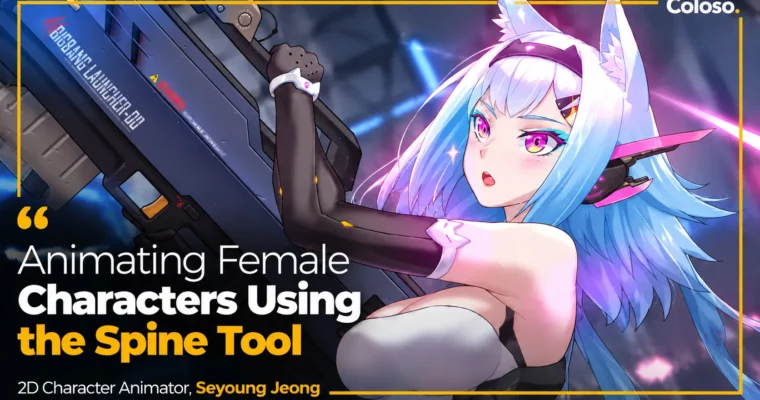
Animating Female Characters Using the Spine Tool by Seyoung Jeong

Duration:20 Hours 42 Minutes
Actual Duration:41h 45m
Release date:2024, May
Publisher:Coloso
Skill level:Beginner
Language:Korean
Exercise files:Yes
Software:Spine, Photoshop
Course URL:https://coloso.global/en/products/2dcharacteranimator-jeongseyoung-us
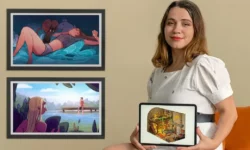
Want to make female characters that actually sell a game? This class shows you how to take a static illustration and turn it into living portrait animation with Spine, including natural 2.5D rigging for face, hair, body, and weapons.
🎯 What you’ll learn
- Segment illustrations in Photoshop for clean Spine import
- Rig characters with bones, slots, meshes, and weights
- Build 2.5D face and body setups for 3D-like turns
- Animate natural idle loops with offsets and graphs
- Create touch and expression animations that show personality
- Animate breast morphing, hair, clothing, and launcher gimmicks
- Add tint and firing effects for high-quality skill actions
✅ Requirements
- Skills: Basic Photoshop skills, understanding of layers and 2D illustration structure
- Tools: Spine 2D, Adobe Photoshop
- Hardware: PC or laptop capable of running Spine smoothly, mouse or drawing tablet
📝 Description
This is not a button-tour of Spine. It’s a real production workflow for subculture games, focused on portrait animation that players actually stare at for hours. You start with a pretty female illustration and end with idle, touch, and skill animations that feel alive.
You will go step by step through the full pipeline. First, slicing in Photoshop so nothing stretches weird. Then planting bones and meshes, painting weights, and setting up hair, eyes, arms, legs, and clothes so they move right. Seyoung shows you what to emphasize and what to leave alone — that’s what makes the motion look clean instead of wobbly.
Then comes the fun part: 2.5D constraints, transform setups, and IK constraints for face turns and that big launcher weapon. You will learn how to fake 3D volume in 2D, set shortcuts for control bones, and use offsets and graphs to get soft, natural sway without hand-keying every frame.
Finally, you polish. That means facial expressions, ears and tail accents, breast morphing done tastefully for style, launcher transformation gimmicks, plus tint effects and firing FX. Short version: you get a repeatable process you can drop straight into freelance work or a studio project.
🧑🎓 Who this course is for
- Beginners who want to get hired as 2D animators for anime-style and subculture games
- Illustrators who want to add movement to their own female characters
- Current Spine or Live2D users who want a faster, field-tested portrait workflow
🧑🏫 About the Author
Hi, I’m Seyoung Jeong, a freelance 2D Character Animator with 12 years in games. I worked at Logiware, BigBall, and Nexciting, and contributed to Soccer Spirits, Time Defenders, GranAge, and Top of the Tank, plus freelance titles like Kingdom of Heroes and Sword Master Story.
I work daily in Spine and Live2D, mostly on portrait-style character animation. My thing is making pretty characters move in a way that keeps their charm — clean face acting, soft hair, and punchy action when it counts. In this class I packed in everything I use on real jobs.
🏁 Final Result
- A fully rigged female character with 2.5D face, body, and weapon setup in Spine, plus finished idle, touch/expression, and skill action animations ready for portfolio and game implementation.
📢 Guys, this is a Group Buy campaign, check the GBC forum thread to get access
You can find the course preview in the download section below.
 Channel