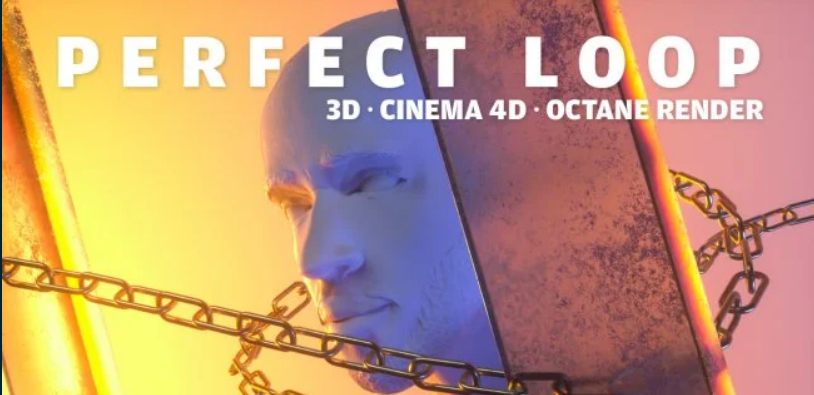
Basics of Cinema 4D and Octane Render – Create a Perfect 3D Loop

Release date:2020
Skill level:Beginner
Language:English
Exercise files:Yes
Course URL:https://www.skillshare.com/classes/Basics-of-Cinema-4D-and-Octane-Render-Create-a-Perfect-3D-loop/1913167983
Have you ever felt the need to do some more than 2D motion graphics? Here is the perfect intro for you!
I’ve been doing motion graphics for concerts and events for around 3years now and I’m now here to share everything I’ve learned. You’ll learn everything that Cinema 4D and Octane Render can offer you, from the basics to more complex material and lightning techniques. Simple animation, using keyframes and adjusting the motion curves that you can incorporate into your everyday needs. Doesn’t need to be a loopable animation to be usefull since you’ll be able to transform this knowledge into every workload you might have!
In this class you’ll learn:
Cinema 4D and Octane Render basics;
Shortcuts;
Keyframe animation;
Lightning;
Texturing;
Framing a scene;
Compositing;
Render settings;
We’ll be creating a infinite, perfect loop that you can apply into any 3D animation work.
Even if you’ve never touched any 3D software you’ll be able to follow along, learn and improve your Motion Graphics skills!
 Channel