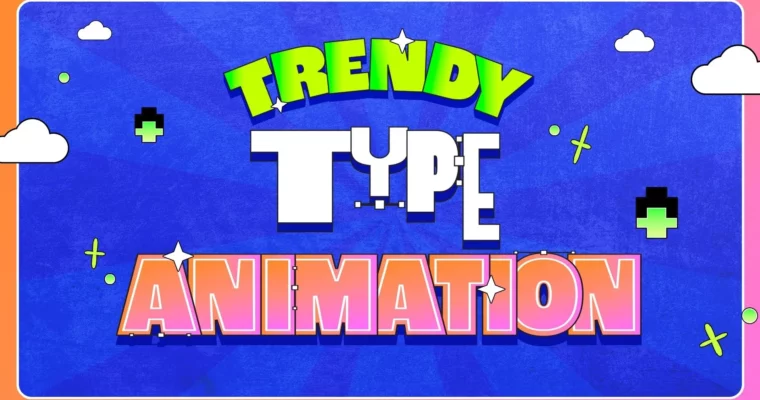
Trendy Kinetic Type Animation In After Effects by Hongshu Guo

Duration:3h 25m
Actual Duration:3h 25m
Release date:2025
Publisher:Skillshare
Skill level:Beginner
Language:English
Exercise files:Yes
Software:Adobe After Effects, Adobe Illustrator
Course URL:https://www.skillshare.com/en/classes/trendy-kinetic-type-animation-in-after-effects
This course is a straight shot into making those fun, bouncy typography animations you see all over social media. Instructor Hongshu Guo skips the fluff and gets you animating ten different styles right away, even if you’re new to After Effects. You’ll pick a word, design it, and take it all the way to a finished GIF.
🎯 What you’ll learn
- Design and animate 10 different kinetic type styles.
- Prepare vector artwork in Illustrator and import it into After Effects.
- Use keyframes, graph editors, and simple animation principles.
- Apply special effects, textures, and noise to typography.
- Export your final animations as GIFs.
✅ Requirements
- Skills: No prior animation experience needed, but basic familiarity with a computer is helpful.
- Tools: Adobe After Effects and Adobe Illustrator.
- Hardware: A computer capable of running After Effects.
📝 Description
This class is built for action. Instead of spending hours on interface tutorials, you jump straight into animating. Each of the 10 lessons focuses on a single word—like “Party” or “Sweat”—and teaches you a completely different animation style. You’ll learn how to build looping animations, work with graph editors for smooth motion, and add texture and noise for a polished, modern look.
Hongshu also covers practical workflow tips, like moving artwork from Illustrator to After Effects without paid plugins. The course is packed with keyboard shortcuts and layer organization tricks that will speed up your entire motion design pipeline. By the end, you won’t just have one project; you’ll have a toolkit of ten distinct techniques you can remix for any future project.
🧑🎓 Who this course is for
- Beginner motion designers who want to learn kinetic typography through hands-on projects.
- After Effects users looking to expand their animation style library.
- Social media content creators wanting to produce engaging, animated text.
🧑🏫 About the Author
Hongshu Guo is a Motion Graphics instructor with over 40,000 students online. He specializes in helping beginners master After Effects animation through clear, project-based courses. He also runs the Motion Circles community and a YouTube channel with free tutorials, providing ongoing support for his students.
🏁 Final Result
- A collection of 10 animated typography GIFs, each showcasing a different kinetic style, ready to share on social media or add to your demo reel.
 Channel