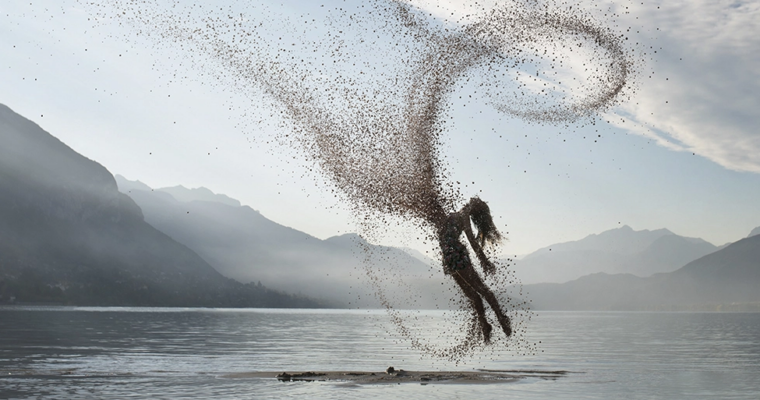
How to Create a Dispersion Effect in Photoshop (2020) – with Aaron Nace

Release date:2020, July 10
Skill level:Beginner
Language:English
Exercise files:Yes
Course URL:https://phlearn.com/tutorial/dispersion-effect-photoshop/
The definitive guide to one of the most popular special effects in Photoshop, follow along as we create a photo-realistic dispersion effect from scratch.
Best of all, we include 6 custom Photoshop Brushes that you can use to create your own splatter, particle and dispersion effects on your own photos!
You don’t need 50 different photos and bunch of complicated tools and assets to create stunning special effects in Photoshop. Learn how to take a single stock photo and create your own special effect brushes to bring your imagination to life.
Chapter 1 Introduction
01.01 – What Youll Learn
Chapter 2 Creating the Dispersion Effect
02.01 – Custom Brushes
02.02 – Painting the Particles
02.03 – Bevel and Emboss
02.04 – Creating the Reflection
02.05 – Finishing Touches
How to Create a Dispersion Effect – PSD.7z
How to Create a Dispersion Effect – Image and Brushes.7z
 Channel