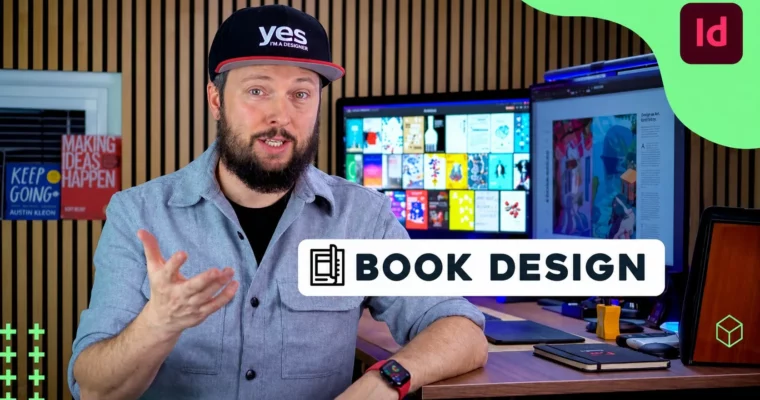
Design Books in Adobe InDesign like a Pro by Martin Perhiniak

Duration:6h 18m
Actual Duration:6h 16m
Release date:2026, June 16
Publisher:Skillshare
Skill level:Intermediate
Language:English
Exercise files:Yes
Software:Adobe InDesign, Adobe InCopy
Course URL:https://www.skillshare.com/en/classes/design-books-in-adobe-indesign-like-a-pro
Learn to design a complete book from start to finish in Adobe InDesign. This course walks you through the entire process, from setting up a document and importing text to creating a professional cover and exporting for print. You’ll build a real project—a new version of Grimm’s Fairy Tales—and pick up advanced techniques like GREP styles, parent pages, and book files along the way.
🎯 What you’ll learn
- Set up a book document using the Van de Graaf canon for margins
- Format body copy, headings, subheadings, and poems with precision
- Use GREP styles and custom JavaScript to automate formatting
- Create a Table of Contents, Index, and Index of Illustrations
- Design a complete book cover, including spine and back cover
- Export your book as a print-ready PDF and fixed-layout ePub
✅ Requirements
- Skills: Basic familiarity with Adobe InDesign interface and tools
- Tools: A computer with Adobe InDesign installed
- Hardware: Minimum 8GB RAM, dedicated GPU recommended for large documents
📝 Description
This isn’t just another InDesign tutorial. It’s a full, start-to-finish walkthrough of designing a real book—Grimm’s Fairy Tales—from a blank document. You’ll learn how to set up a professional grid using the Van de Graaf canon, choose and test typefaces for body copy, and format everything from headings to poems.
The real power here is in the automation. You’ll get hands-on with GREP styles to find and format text patterns, use custom JavaScript to handle repetitive tasks, and set up parent pages to keep your layout consistent across hundreds of pages. The course also covers creating a Book file, syncing documents, and building a Table of Contents and Index.
By the end, you’ll have a polished, print-ready book for your portfolio. You’ll also know how to export it as a fixed-layout ePub and work with advanced workflows like linked text files and Adobe InCopy for team collaboration. It’s practical, detailed, and built for designers who want to level up their editorial skills.
🧑🎓 Who this course is for
- Graphic designers looking to specialize in editorial and book design
- Intermediate InDesign users who want to master advanced layout and automation techniques
- Anyone who wants to create a professional, print-ready book from scratch
🧑🏫 About the Author
Martin Perhiniak is a Certified Adobe Design Master and Instructor based in London. He has worked with major studios like Disney, Warner Brothers, Cartoon Network, Sony Pictures, Mattel, and DC Comics. His teaching focuses on practical, real-world workflows, and he’s known for breaking down complex topics into clear, actionable steps.
🏁 Final Result
- A complete, print-ready book design for Grimm’s Fairy Tales, including a full cover (front, spine, and back)
- A professional layout with formatted body copy, headings, drop caps, illustrations, and captions
- A functional Table of Contents, Index, and Index of Illustrations
- Exported files: a print-ready PDF and a fixed-layout ePub
 Channel