Animate Your Illustration – Keyframes, Expressions, and Effects in Adobe After Effects by Guillermo Ortega

Duration:21m
Actual Duration:21m
Release date:2024, September
Publisher:Skillshare
Skill level:Beginner
Language:English
Exercise files:Yes
Software:Adobe After Effects, Adobe Illustrator
Course URL:https://www.skillshare.com/en/classes/animate-your-illustration-keyframes-expressions-and-effects-in-adobe-after-effects
Got an illustration just sitting there? This class gets it moving. In 21 minutes you’ll go from prepping files in Illustrator to animating in After Effects with keyframes, expressions, and a clean render at the end.
🎯 What you’ll learn
- Organize and prepare Illustrator files for a smooth After Effects workflow
- Navigate the After Effects interface and use the essential animation tools
- Create and edit keyframes for clean, snappy motion
- Use expressions and effects to animate faster with less manual work
- Animate graphics and an illustrated dog character from start to render
✅ Requirements
- Skills: Basic familiarity with Adobe Illustrator, no prior animation experience needed
- Tools: Adobe After Effects and Adobe Illustrator installed
- Hardware: Computer capable of running After Effects and Illustrator
📝 Description
Most beginners get stuck before they even animate — messy files, wrong layer setup, confusing imports. This class fixes that first. You’ll learn how to structure your artwork in Adobe Illustrator with clean layers and naming, so when you jump into After Effects everything is ready to move.
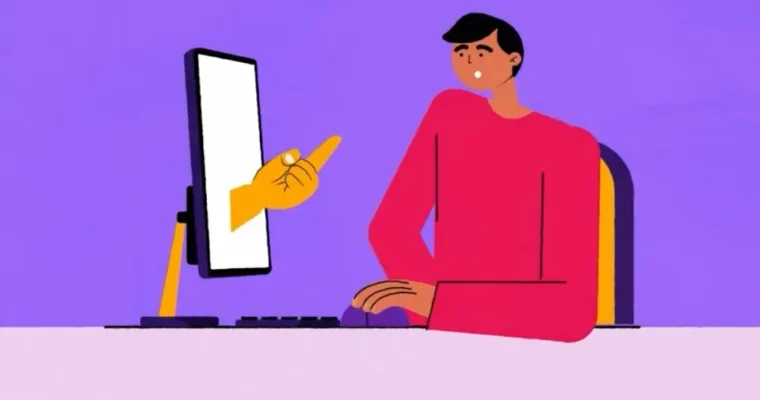
Then it’s playtime. Guillermo walks you through the interface without the overwhelm, just the tools you actually need. You’ll set keyframes, tweak timing, add expressions to loop and automate motion, and drop in effects for extra polish. The main demo is a cute dog illustration plus some graphic shapes, so you see both character-style motion and classic motion graphics tricks in action.
It’s short on purpose. No theory dump, just a real workflow you can repeat on your own illustrations the same day. You’ll finish with a rendered loop you can post, plus a setup habit that will save you hours on every future project.
🧑🎓 Who this course is for
- Illustrators who want to add simple motion to their work fast
- Graphic designers and creatives curious about motion graphics in After Effects
- Complete beginners who want a practical first animation without getting lost
🧑🏫 About the Author
Guillermo Ortega is the co-founder and creative director of Operary, a 2D animation studio with over 10 years in the game. He’s designed and animated hundreds of videos for clients like Intel, Deloitte, Bayer, Porsche, and Santander Bank.
He specializes in explainer videos and practical, no-fluff teaching. If you want to learn how working studios actually pump out clean client animation quickly, he’s a solid guide.
🏁 Final Result
- A short animated illustration featuring motion graphics and a dog character, finished with effects and rendered video ready for portfolio or social media.
 Channel