Body Acting by Luke Randall, Tyler Phillips

Duration:11 weeks
Actual Duration:109h 25m
Release date:2020, October
Publisher:AnimSchool
Skill level:Intermediate
Language:English
Exercise files:Yes
Software:Autodesk Maya
Course URL:https://animschool.edu/ClassDetails.aspx?programcourseid=216
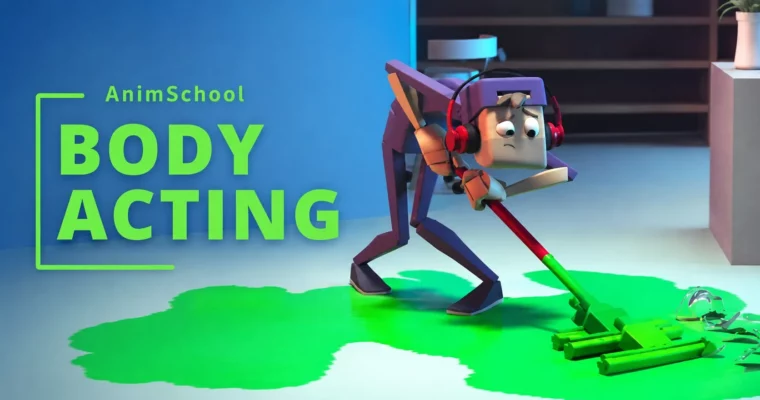
Body Acting is an intermediate-level course from AnimSchool’s 3D Animation Program. It’s all about communicating story, personality, and emotion through a character’s physical performance. The main assignment? A multi-shot pantomime sequence. No dialogue. Just pure body language that makes the audience understand what the character is thinking and feeling.
🎯 What you’ll learn
- Create a multi-shot pantomime story from concept to final polish
- Use posing, rhythm, and phrasing to convey clear acting choices
- Block and spline animation with attention to solidity, appeal, and timing texture
- Stage performances with camera choices, screen space, and shot continuity in mind
- Develop moving holds, breakdowns, and transitions between actions
✅ Requirements
- Skills: Completion of Animating Characters, Body Mechanics, Introduction to 3D Lighting, Introduction to 3D Modeling, Introduction to Rigging, and Body Mechanics courses
- Tools: Autodesk Maya, a 3-button mouse
- Hardware: Dedicated GPU, minimum 16GB RAM
📝 Description
This course pushes you past basic body mechanics and drops you straight into acting and storytelling. You’ll start by brainstorming a story idea, then plan every detail before you even touch the rig. From there, it’s a full production run: reference, posing, blocking, blocking plus, splining, refinement, and final polish.
The focus is on making your character look like they’re actually thinking. You’ll work on posing, rhythm, beats and phrasing, solidity, appeal, and personality. You’ll dig into straights and curves, timing texture, moving holds, and how to stage a performance so it reads clearly to an audience. Hands, eyes, contrast, breakdowns—all the little things that sell a performance get their time in the spotlight.
Because the assignment spans multiple shots, you’ll also think about the bigger picture. How does each shot serve the story? Where should the camera go? How do you keep continuity across cuts? Screen space, camera choices, and shot importance become part of your daily workflow.
Taught by Luke Randall and Tyler Phillips, the classes mix lectures, demos, planning sessions, and heavy student review. You’ll see the entire process from first concept to final spline, with plenty of feedback along the way.
🧑🎓 Who this course is for
- Animators who understand character movement fundamentals and want to level up their acting
- Artists looking to tell clearer stories through body language and staging
- Students ready to tackle a multi-shot narrative project for their demo reel
🧑🏫 About the Author
Luke Randall and Tyler Phillips are professional animators and instructors at AnimSchool. Both bring years of industry experience in character animation, with a focus on performance and storytelling. Their teaching approach combines practical demonstrations with detailed, constructive reviews of student work, helping animators refine their craft from blocking to final polish.
🏁 Final Result
By the end of the course, you’ll have a completed multi-shot pantomime sequence that shows a character thinking, reacting, and making decisions—all without a single line of dialogue. It’s a portfolio-ready piece that demonstrates your ability to handle story, staging, and performance across multiple shots.
📢 Guys, this is a Group Buy campaign, check the GBC forum thread to get access
You can find the course preview in the download section below.
 Channel