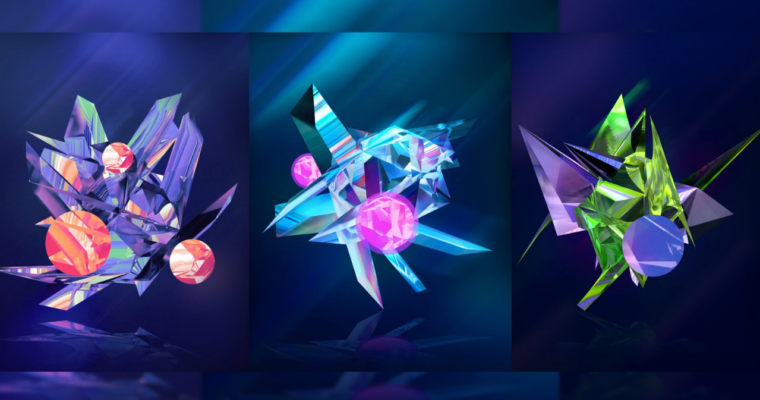
How to Create Abstract Refraction Facet Posters in C4D & Photoshop

Release date:2020
Skill level:Intermediate
Language:English
Exercise files:Yes
Course URL:https://www.skillshare.com/classes/How-to-Create-Abstract-Refraction-Facet-Posters-in-C4D-Photoshop/482481478
In this class, I will be showing you how to create a 3D refraction facet render in Cinema 4D. Then we’ll be going into Photoshop to create a poster with our render as a focal point.
Some of the things you’ll learn in this class.
Creating a facet render in C4D
Use the moextrude & displacer tool in C4D
Create colorful background
Creating a transparent and transparent reflective material in C4D
Setup up a poster design
Adding blurs to the render, and enhancing color.
Adding more shapes to our render
Experiment with different designs and images to get varying results!
 Channel