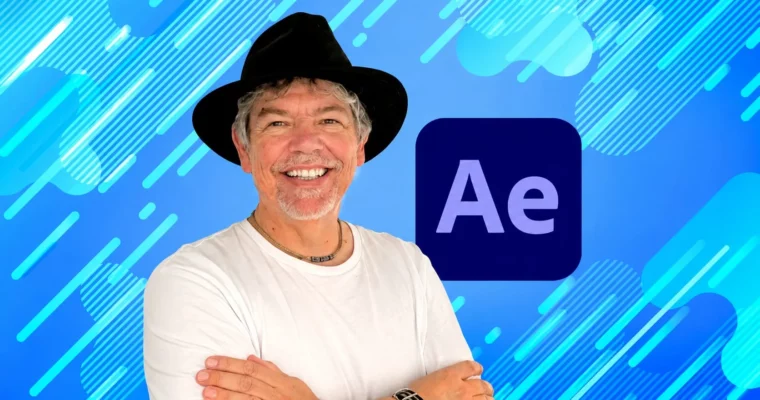
Non-Scary Adobe After Effects – Beginner to Wow by Tim Wilson

Duration:9 hours
Actual Duration:8h 57m
Release date:2026, April
Publisher:Udemy
Skill level:Beginner
Language:English
Exercise files:Yes
Software:Adobe After Effects
Course URL:https://www.udemy.com/course/non-scary-adobe-afx-beginner-to-wow
A friendly, hands-on course that takes you from zero experience to creating professional-looking motion graphics and visual effects in Adobe After Effects. You’ll build real projects you can actually use.
🎯 What you’ll learn
- Create a video project using fundamental and advanced After Effects techniques.
- Make your videos stand out with professional-looking text and animations.
- Add sound and use it to drive object movement.
- Work with preset text effects for amazing-looking type.
- Use green screen images to create multi-video compositions.
- Export high-quality videos for multiple applications.
✅ Requirements
- Skills: No experience of After Effects needed.
- Tools: A copy of Adobe After Effects.
- Hardware: A laptop or computer capable of running After Effects.
📝 Description
This course is built around a simple idea: learning After Effects shouldn’t be scary. Tim Wilson strips away the jargon and gets you animating from the very first lesson. You won’t just watch tutorials; you’ll build real projects like social media ads, video infographics, and music video clips.
The teaching method is project-based. Each new technique—like keyframing, masking, or motion tracking—is immediately applied to a practical example. You’ll learn how to use green screen footage, animate text along a path, and even drive animations with audio amplitude. By the end, you’ll have a portfolio of work you can repurpose for your own videos, whether for YouTube, marketing, or social media.
The course covers the 2024 version of After Effects, but the core techniques work on older and newer versions too. It’s a no-fluff, straight-to-the-point guide that focuses on what actually works in a real production pipeline.
🧑🎓 Who this course is for
- Anyone who wants to learn Adobe After Effects to create or improve their videos.
- YouTubers and Vloggers looking to level up their content.
- Video editors, producers, and videographers.
- Graphic Designers and Motion Graphic Artists.
- Social media content creators.
🧑🏫 About the Author
Tim Wilson is a seasoned instructor on Udemy with a knack for making complex software feel approachable. He focuses on practical, project-based learning, ensuring students build real-world skills they can use immediately. His courses are known for their clear, step-by-step instructions and friendly tone.
🏁 Final Result
- A collection of finished, portfolio-ready projects including a social media post, a video infographic, a product advert, an animated billboard, and a music video clip.
 Channel