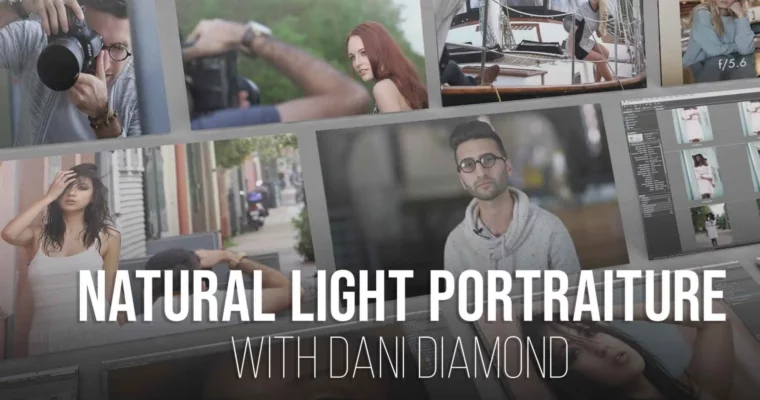
Natural Light Portraiture & Retouching by Dani Diamond

Duration:Over 10 hours
Actual Duration:13h 14m
Release date:2015, June
Publisher:PRO EDU
Skill level:Intermediate
Language:English
Exercise files:Yes
Software:Photoshop, Adobe Bridge, Adobe Camera Raw
Course URL:https://learn.proedu.com/programs/the-guide-to-natural-light-portraiture-and-retouching-from-dani-diamond-a-how-to-course-for-natural-light-portraits_pos1_psqdani20_sse_v10
Want to capture portraits that have that unmistakable natural light look? This course with Dani Diamond is your ticket. You’ll dive into his exact workflow, learning how to shoot and retouch images that look both stunning and incredibly natural. It’s perfect if you’re looking to elevate your portrait game, especially if you want to nail that post-production polish without making it look overdone.
🎯 What you’ll learn
- Achieve beautiful portraits using only natural light.
- Implement Dani Diamond’s signature workflow.
- Master natural-looking retouching techniques in Photoshop.
- Understand how to integrate shooting and editing for cohesive results.
- Enhance portraits with advanced Photoshop tools like dodging, burning, and frequency separation.
✅ Requirements
- Skills: Familiarity with basic photography concepts and Photoshop interface.
- Tools: A drawing tablet is highly recommended for retouching.
- Hardware: A computer capable of running Photoshop smoothly.
📝 Description
This course is all about mastering natural light portraiture and making your retouching look effortless. Dani Diamond walks you through his entire process, from choosing the right gear and settings to finding the best light, even in tricky situations. He shares practical tips for shooting both male and female subjects, demonstrating real-world photoshoots in diverse locations.
The second half of the course dives deep into Photoshop. You’ll learn how to cull your images effectively using Adobe Bridge, process RAW files in Adobe Camera Raw, and apply advanced retouching techniques like frequency separation, dodging and burning, and detailed eye enhancement. Dani emphasizes a clean, natural look, showing you how to build actions for efficiency and use shortcuts to speed up your workflow. It’s a comprehensive guide designed to help you achieve polished, professional portraits with a signature natural light aesthetic.
🧑🎓 Who this course is for
- Photographers looking to improve their natural light portraiture skills.
- Anyone wanting to achieve a more natural and polished look in their photo retouching.
- Students who want to learn Dani Diamond’s specific workflow and techniques.
- Photographers who want to get the most out of Photoshop for portrait editing.
🧑🏫 About the Author
Dani Diamond is a renowned portrait photographer known for his distinctive natural light style. He has a knack for capturing intimate and authentic moments, making his subjects shine. Dani’s approach to both shooting and retouching is highly sought after, and he’s known for his ability to create stunning images with a clean, professional finish. This course offers a direct look into the methods that have made him a respected name in the industry.
🏁 Final Result
By the end of this course, you’ll have a solid understanding of how to shoot compelling portraits using natural light and a refined set of Photoshop retouching skills. You’ll be able to confidently apply Dani Diamond’s workflow to your own work, producing portfolio-ready images with a beautiful, natural aesthetic.
 Channel