Leveraging AI in Adobe Premiere Pro by Nick Harauz

Duration:1h 20m
Actual Duration:1h 41m
Release date:2025, February 25
Publisher:Linkedin
Skill level:Intermediate
Language:English
Exercise files:Yes
Software:Adobe Premiere Pro, Adobe Firefly
Course URL:https://www.linkedin.com/learning/leveraging-ai-in-adobe-premiere-pro
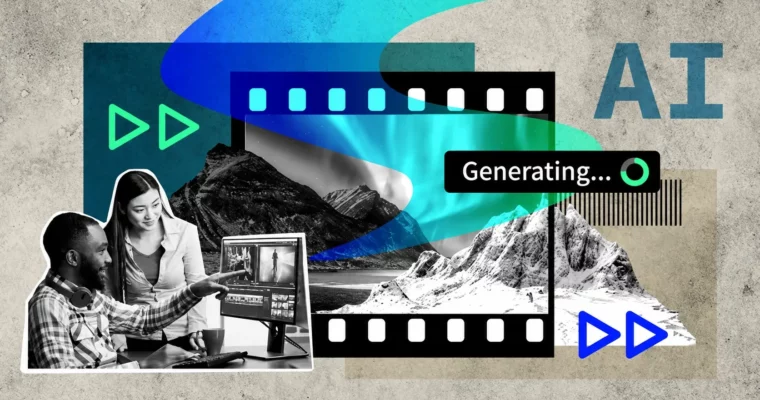
This is a straight-to-the-point workflow course for editors who want to stop clicking around and start cutting faster. In just 80 minutes, Nick shows you how to use Premiere Pro’s AI tools to edit from text, fix color and audio in a couple clicks, and reformat for social without rebuilding your timeline.
🎯 What you’ll learn
- Edit video directly from transcripts with text-based editing
- Split already-edited files with Scene Edit Detection
- Apply Auto Color and match shots for consistent visuals
- Enhance dialogue and clean audio with AI audio tools
- Auto reframe sequences for vertical and square social formats
- Extend clips with Generative Extend to cover gaps
- Create b-roll and stills with Adobe Firefly
- Find clips and moments faster with AI-powered search in Premiere Pro Beta
✅ Requirements
- Skills: Basic timeline editing in Premiere Pro, familiarity with cuts, trims, and audio levels
- Tools: Adobe Premiere Pro latest version with access to Beta build, Creative Cloud subscription for Firefly features
- Hardware: Modern multi-core computer with 16GB+ RAM, stable internet connection for cloud-based AI processing
📝 Description
If you still scrub through hours of interviews to find soundbites, this will change how you work. Nick starts with text-based editing and speech-to-text — you get a transcript, you highlight sentences, you delete. Premiere cuts the video for you. Got a flattened file with no cuts? Scene Edit Detection chops it back into editable clips so you don’t have to re-cut by hand.
Then it’s cleanup. No more shot-by-shot color tweaking just to make it watchable. You’ll use Auto Color to get a solid baseline and match cameras fast, then let Enhance Speech pull dialogue out of noisy rooms. It’s not about one-click magic, it’s about getting to 90% in seconds so you can spend time on the actual creative choices.
The last stretch is where it gets fun. Need two more seconds to cover a transition? Generative Extend builds it. Need vertical versions for Reels and TikTok? Auto Reframe tracks the subject for you. Plus a practical look at Adobe Firefly for generating missing b-roll and stills, and the new AI search in Beta that actually finds “close-up laughing” instead of clip_0047.mp4.
🧑🎓 Who this course is for
- Video editors who know Premiere Pro basics and want a faster, AI-assisted workflow
- Freelancers, YouTubers, and social media creators juggling shooting, editing, and delivery solo
🧑🏫 About the Author
Nick Harauz is an Adobe Certified Trainer and longtime video editor with a background in post-production for broadcast, corporate, and online content. He teaches Premiere Pro, After Effects, and Final Cut Pro, and is known for breaking down new features into real-world edits you can use right away.
🏁 Final Result
- A polished short-form promo cut from interview footage, cleaned with AI audio and color, extended with generative tools, and delivered in both widescreen and vertical versions.
 Channel