Figma Essential Training – The Basics by Brian Wood

Duration:1 hour 30 minutes
Actual Duration:1h 37m
Release date:2021, May 5
Publisher:Linkedin
Skill level:Beginner
Language:English
Exercise files:Yes
Software:Figma
Course URL:https://www.linkedin.com/learning/figma-essential-training-the-basics
Learn how to use Figma, the collaborative interface design tool. This course covers everything you need to start your first UX design project, from creating files and frames to adding content and building interactive prototypes.
🎯 What you’ll learn
- Set up a Figma project for multiple screens and devices
- Add and edit shapes, images, text, and effects
- Use layers, reusable formatting, and components to work efficiently
- Build functional prototypes with interactions
✅ Requirements
- Skills: Basic computer skills and familiarity with web browsers
- Tools: A free Figma account
- Hardware: Internet connection, modern web browser
📝 Description
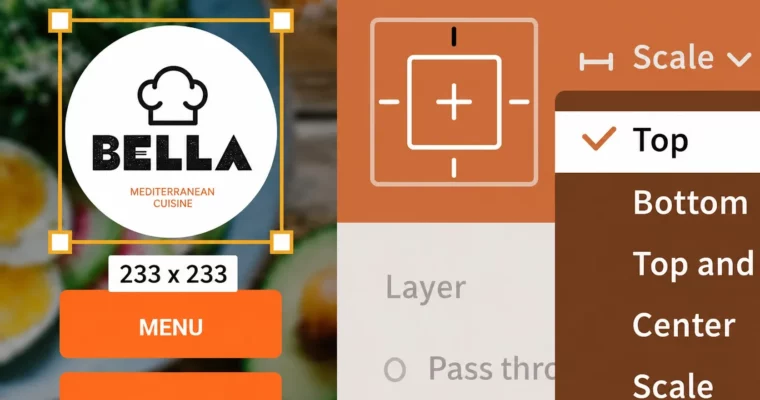
This isn’t just a tour of the interface. Brian Wood walks you through a real workflow: you’ll start by signing up and setting up your file, then jump straight into adding content like shapes, images, and text. The real magic happens in the “Work Smarter” chapter, where you’ll learn to use components and constraints—features that save you from manually updating every button or card in your design.
The course wraps up with prototyping, where you’ll connect your screens with interactions. By the end, you’ll have a clickable prototype you can share with clients or collaborators. No fluff, just the practical steps to get your first Figma project done.
🧑🎓 Who this course is for
- Beginners with no prior Figma experience
- Designers transitioning from other tools like Sketch or Adobe XD
- Product managers or developers who need to understand the design process
🧑🏫 About the Author
Brian Wood is a seasoned web and UX designer with years of experience teaching design tools. He has authored numerous training courses for LinkedIn Learning, focusing on practical, project-based workflows. His clear, step-by-step teaching style makes complex topics accessible for beginners.
🏁 Final Result
- A functional, multi-screen prototype built in Figma, complete with interactions and reusable components.
 Channel