Blender & After Effects Course by Max Kravchenko

Duration:10h+
Actual Duration:12h 57m
Release date:2024
Publisher:Motion Design School
Skill level:Intermediate
Language:English
Exercise files:Yes
Software:Blender, After Effects
Course URL:https://motiondesign.school/courses/blender-ae/
Tired of faking 3D in AE? This course shows you how to model in Blender, drop it straight into After Effects, and animate a full promo without the old Cinema 4D Light workarounds.
🎯 What you’ll learn
- Prep and import Blender models into After Effects native 3D
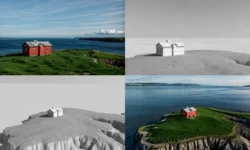
- Model, shade, texture and light 3D shapes for AE
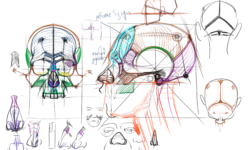
- Build clean topology for complex objects like hands
- Create a full character in Blender for use in AE
- Animate 3D models, lights and cameras in After Effects
- Make 3D transitions, morphing animation and explosive lighting setups
✅ Requirements
- Skills: Basic After Effects and motion design fundamentals, comfortable with keyframes and layers
- Tools: Blender, After Effects Beta with native 3D support
- Hardware: Modern PC or Mac capable of 3D rendering, dedicated GPU recommended, minimum 16GB RAM
📝 Description
After Effects finally does real 3D. No more hacks. You can import 3D models, use Image-Based Lighting, and work with the Advanced 3D Renderer right on the timeline.
This course sticks to one job: teach you just enough Blender to be dangerous in AE. You learn interface basics, modeling, shading, texturing and lighting with import in mind. That means clean geometry, correct scale, and materials that actually hold up once you bring them over.
Then you switch to AE and build the promo shot by shot. You will play with 2D/3D interoperability, animated lights and cameras, transitions, and shape morphing in true 3D space. One lesson is all about stacking lots of objects and lighting them for that loud, punchy look. Another takes a full character — hands included — and gets it moving without rigging hell.
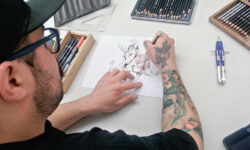
The structure is simple: start from illustrator sketches, model everything in Blender, then animate and finish in After Effects. By the end you have seen the whole pipeline, not just isolated tricks, and you can plug it into your own motion work.
🧑🎓 Who this course is for
- Motion designers who fake 3D with extrusions and want the real thing
- AE users curious about native 3D import, lighting and camera workflow
- Beginners in Blender who want a practical reason to learn modeling and shading
🧑🏫 About the Author
Max Kravchenko is a motion designer and instructor focused on practical Blender and After Effects workflows. He teaches the production side of things — modeling for animation, import prep, and promo assembly — based on real client-style projects. At Motion Design School he breaks down the full process from sketch to final render so you can repeat it on your own jobs.
🏁 Final Result
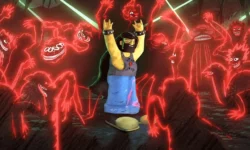
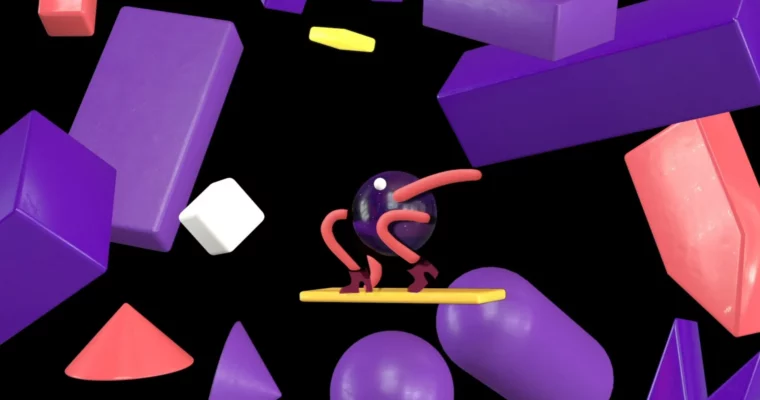
- Fully recreated promo video built from sketches — all Blender models, AE native 3D animation, lighting, transitions and the Santa drift shot — ready to cut into your reel.
 Channel