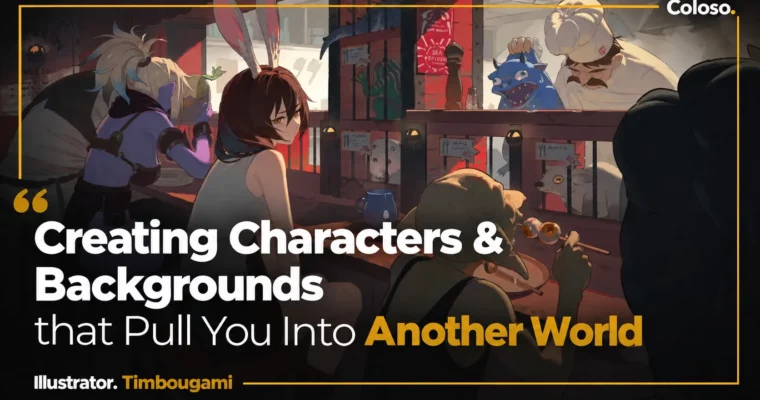
Creating Characters & Backgrounds that Pull You Into Another World by Timbougami

Duration:37 hours 6 minutes
Actual Duration:44h 48m
Release date:2025, March
Publisher:Coloso
Skill level:Beginner
Language:English
Exercise files:Yes
Software:Clip Studio Paint
Course URL:https://coloso.global/en/products/illustrator-timbougami-us
Timbougami walks you through his full workflow for making anime-style characters that feel alive inside cinematic backgrounds. You start from a loose idea and end with a polished, portfolio-ready illustration built on solid figure drawing, perspective, and color decisions.
🎯 What you’ll learn
- Plan strong compositions with fast thumbnail sketches and value control
- Use 1-point perspective and perspective rulers to build believable backgrounds
- Draw stylized anime heads and bodies in 3D space with simple box forms
- Draw dynamic gestures, mannequins, stylized hair, and clothing folds
- Set up lighting in black and white, then apply color for mood and atmosphere
- Paint materials, cast shadows, and stylized hair shading
- Create clean, confident lineart that works as part of the shading
- Render and finalize a full character and background illustration in Clip Studio Paint
✅ Requirements
- Skills: Basic drawing ability, familiarity with digital painting workflow
- Tools: Drawing tablet, Clip Studio Paint
📝 Description
This isn’t a “watch me paint” class. Timbougami breaks the whole thing down into steps you can actually repeat. You start with the idea — what mood do you want, what story are you telling — then you lock it in with thumbnail sketches, composition, and value planning before you touch any rendering.
From there he gets very practical about the stuff that usually trips people up. How to simplify the head and body into 3D box forms so your anime character looks solid from any angle. How to use perspective rulers in Clip Studio Paint to build a street or interior without guessing. How to separate light and shadow in black and white first, so your color choices later actually work.
The coloring and rendering part is where it all clicks. You’ll paint still lifes from reference to train your eye, practice cast shadows, material specularity, and stylized hair shading, then apply color over your greyscale sketch with color layers. Linework gets treated as shading, not just outlines — you’ll practice confident strokes on 3D shapes and forms, then ink the final character and background.
You also get all the working files: Timbougami’s personal brushes including 4 custom ones, 15 hands-on exercises, PSD/CSP source files with layers, plus two extra finished artworks with process video. It’s built for repetition. Do the drills, steal the workflow, make it yours.
🧑🎓 Who this course is for
- Aspiring artists who want a solid skill set for games, anime, and entertainment work
- Anime style artists who want better proportions, character design, and stylized coloring
- Intermediate artists who know the basics but want a tighter workflow and stronger sense of style
🧑🏫 About the Author
Hey, I’m Tim — aka Timbougami, a freelance illustrator from Germany working mostly for video game companies. I started as a background artist on Memoria at Daedalic while still in university, then interned at Sixmorevodka and spent time in Western concept art before switching full-time to what I actually love: Japanese-style stylization.
Since then I’ve done illustration work for Alchemy Stars, Azur Lane, Arknights, Teppen (Capcom), The Beginning After The End, and Crypton Future Media, plus a feature in Pixiv Visions 2022. My thing is characters that live in their worlds — personality, lighting, and background all working together.
🏁 Final Result
- A finished character and background illustration: an original anime character fully integrated into a detailed, perspective-accurate environment with cinematic lighting and color, delivered as layered PSD/CSP files for your portfolio.
📢 Guys, this is a Group Buy campaign, check the GBC forum thread to get access
You can find the course preview in the download section below.
 Channel