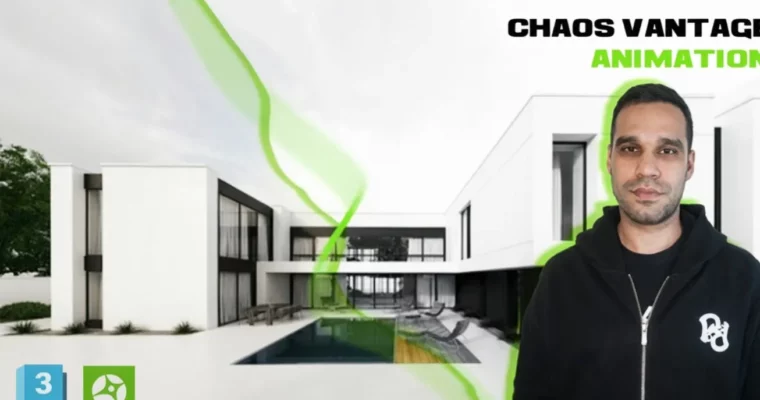
Architectural Animation- Chaos Vantage & 3ds Max- from zero by Navid Abbas Zadeh

Duration:2 hours on-demand video
Actual Duration:2h 2m
Release date:2026, February
Publisher:Udemy
Skill level:Beginner
Language:English
Exercise files:Yes
Software:3ds Max, Chaos Vantage, V-Ray, CapCut
Course URL:https://www.udemy.com/course/3d-animation-chaos-vantage-and-autodesk-3dsmax-from-zero
Ready to make your architectural designs pop with killer animations? This course is your ticket to creating jaw-dropping, photorealistic architectural animations using the power of Chaos Vantage and 3ds Max. Forget long render times; we’re diving into real-time rendering to speed up your workflow and boost your output quality.
🎯 What you’ll learn
- Export 3D scenes from 3ds Max to Chaos Vantage for instant visualization.
- Master HDRI lighting setups in Chaos Vantage for realistic architectural scenes.
- Craft high-quality V-Ray materials with lifelike reflections and textures.
- Design photorealistic outdoor environments using V-Ray objects and assets.
- Create natural-looking grass and vegetation with V-Ray Scatter.
- Build complete architectural scenes with optimized geometry and materials.
- Achieve photorealistic lighting and final renders directly in Chaos Vantage.
- Utilize Chaos Vantage‘s real-time rendering capabilities for rapid look development.
- Export high-quality animations with precise settings from Chaos Vantage.
- Navigate the complete animation output workflow in V-Ray / Chaos Vantage.
- Edit and enhance your architectural animations using CapCut.
- Establish a full architectural animation pipeline, from 3ds Max to the final video.
✅ Requirements
- Skills: Basic knowledge of 3ds Max and Chaos Vantage.
- Tools: A computer capable of running 3ds Max and Chaos Vantage.
- Hardware: A dedicated GPU is highly recommended for optimal real-time rendering performance.
📝 Description
This course is all about bringing your architectural visions to life through stunning animations. We’ll walk you through the entire process, starting with exporting your 3ds Max scenes into Chaos Vantage for some seriously fast real-time rendering. You’ll learn to nail the lighting with HDRI, create materials that look and feel real using the V-Ray Material Editor, and build believable outdoor environments complete with grass and assets thanks to V-Ray Scatter. The goal is to get you producing photorealistic results and smooth animations efficiently, finishing it all off with some professional polish in CapCut.
This course is project-based, meaning you’ll be building a complete exterior scene and animation from start to finish. It’s designed to answer those burning questions: How do I get my 3ds Max scene into Chaos Vantage? How do I make my materials look amazing? How do I create compelling architectural animations and edit them into a final video? We’ve got you covered.
🧑🎓 Who this course is for
- 3D artists keen on diving into architectural visualization.
- 3ds Max users eager to master V-Ray and Chaos Vantage.
- Architectural visualizers looking to adopt efficient real-time rendering workflows.
- Beginner to intermediate users in the world of 3D rendering.
🧑🏫 About the Author
Navid Abbas Zadeh is an architect and a professional interior and exterior designer with years of experience crafting unique and functional spaces. He’s a pro with advanced architectural software, always aiming to blend art and functionality. Navid’s goal is to deliver beautiful, efficient designs for his clients, and he’s here to share his expertise in creating stunning architectural visualizations.
🏁 Final Result
- A portfolio-ready, photorealistic architectural animation created from your 3ds Max scene, rendered in Chaos Vantage, and polished in CapCut.
 Channel