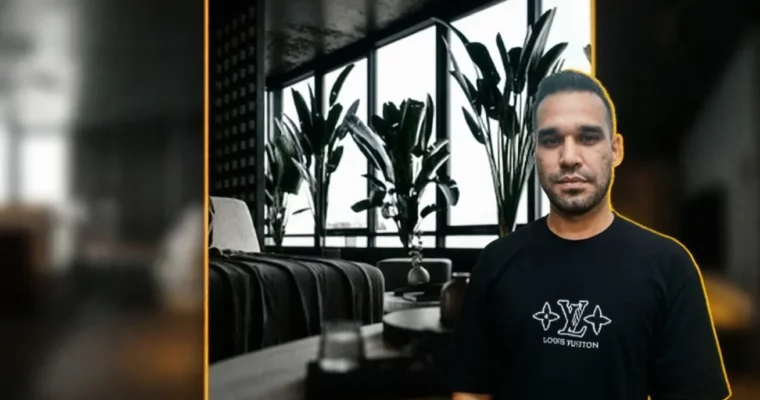
3d rendering- autodesk 3dsmax and vray- for beginners by Navid Abbas Zadeh

Duration:2.5 hours on-demand video
Actual Duration:2h 36m
Release date:2025, June
Publisher:Udemy
Skill level:Beginner
Language:English
Exercise files:Yes
Software:Autodesk 3ds Max, V-Ray, Adobe Photoshop
Course URL:https://www.udemy.com/course/3d-rendering-autodesk-3dsmax-and-vray-for-beginners
Ready to turn basic floor plans into jaw-dropping interior visualizations? This course is your fast track to mastering 3ds Max and V-Ray for realistic 3D rendering, even if you’re just starting out. You’ll go from importing a simple plan to creating professional-quality day and night renders, complete with advanced Photoshop post-processing.
🎯 What you’ll learn
- Interior Design with Autodesk 3ds Max and V-Ray
- 3D Modeling from a floor plan using 3ds Max
- Creating realistic wooden floors with the Floor Generator Plugin
- Modeling and designing kitchens and TV walls in 3ds Max
- Placing scene objects like furniture and decor
- Setting up camera views and lighting
- Using V-Ray lights for natural illumination
- Crafting realistic scene materials with 3ds Max and V-Ray
- Finalizing day and night renders
- Color Correction with Photoshop
✅ Requirements
- Skills: Basic Knowledge about 3ds Max and V-Ray
📝 Description
This course is designed to guide you through creating a complete interior rendering project, from importing a floor plan to achieving professional day and night renders. It follows a clear, project-based workflow that’s easy to follow.
Ever wondered how to take a simple floor plan and turn it into a stunning 3D interior scene? This course breaks down the entire process. You’ll learn to model entire interior spaces, master realistic materials like wood and marble, and set up lighting for both daytime and nighttime scenes to achieve photorealistic results. Plus, you’ll get hands-on with Photoshop for that extra polish.
The teaching style is practical and hands-on, so you can jump right in and apply what you learn to your own projects. We’ll cover importing plans, building models step-by-step, creating detailed textures, setting up lighting, configuring render settings, and enhancing your final images in Photoshop.
🧑🎓 Who this course is for
- Anyone interested in 3D modeling and 3D rendering
- Aspiring interior designers
- Architects looking to enhance their visualization skills
- Users of 3ds Max, V-Ray, and Photoshop
🧑🏫 About the Author
Navid Abbas Zadeh is an architect and a professional interior and exterior designer with years of experience crafting unique and functional spaces. He’s proficient in advanced architectural software and aims to blend art with functionality to create beautiful, efficient designs for his clients.
🏁 Final Result
- A portfolio-ready, photorealistic 3D interior rendering project, showcasing skills in modeling, texturing, lighting, and post-processing.
 Channel