Ad Clicks : Ad Views : Ad Clicks : Ad Views : Ad Clicks : Ad Views : Ad Clicks : Ad Views :
Oh Snap!

It looks like you're using an adblocker. Adblockers make us sad. We use ads to keep our content happy and free. If you like what we are doing please consider supporting us by whitelisting our website. You can report badly-behaved ads by clicking/tapping the nearby 'Advertisement' X text.

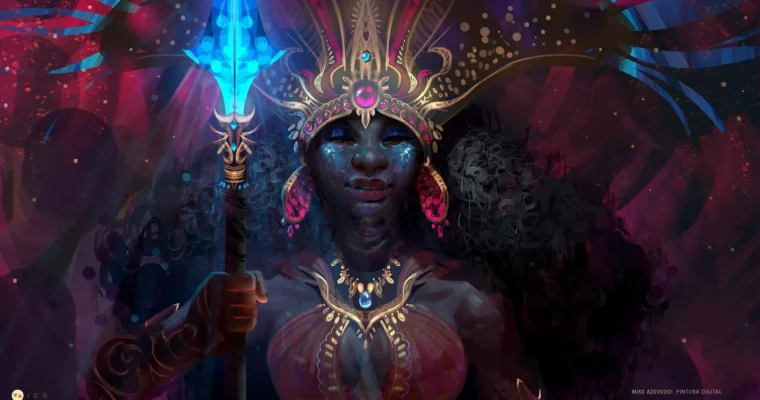
Fundamentals of Digital Painting (Fundamentos de Pintura Digital) by Mike Azevedo

Fundamentals of Digital Painting (Fundamentos de Pintura Digital) by Mike Azevedo

/

Author:Mike Azevedo

Duration:self-paced

Actual Duration:15h 55m

Release date:2026, May 10

Publisher:ICS

Skill level:Intermediate

Language:Portuguese

Exercise files:Yes

Software:Photoshop

Course URL:https://www.icsart.com.br/course/fundamentosdepinturadigital

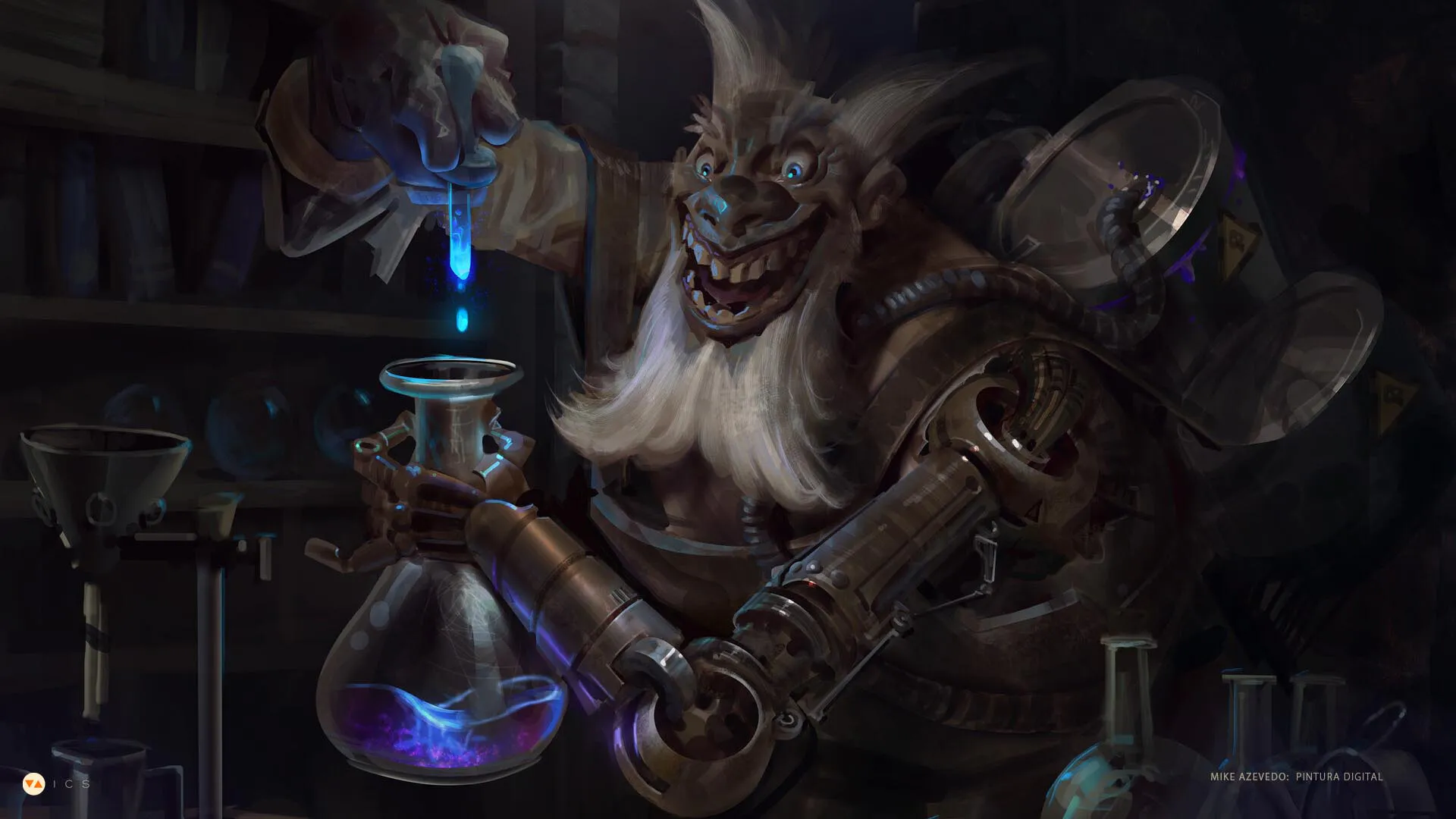
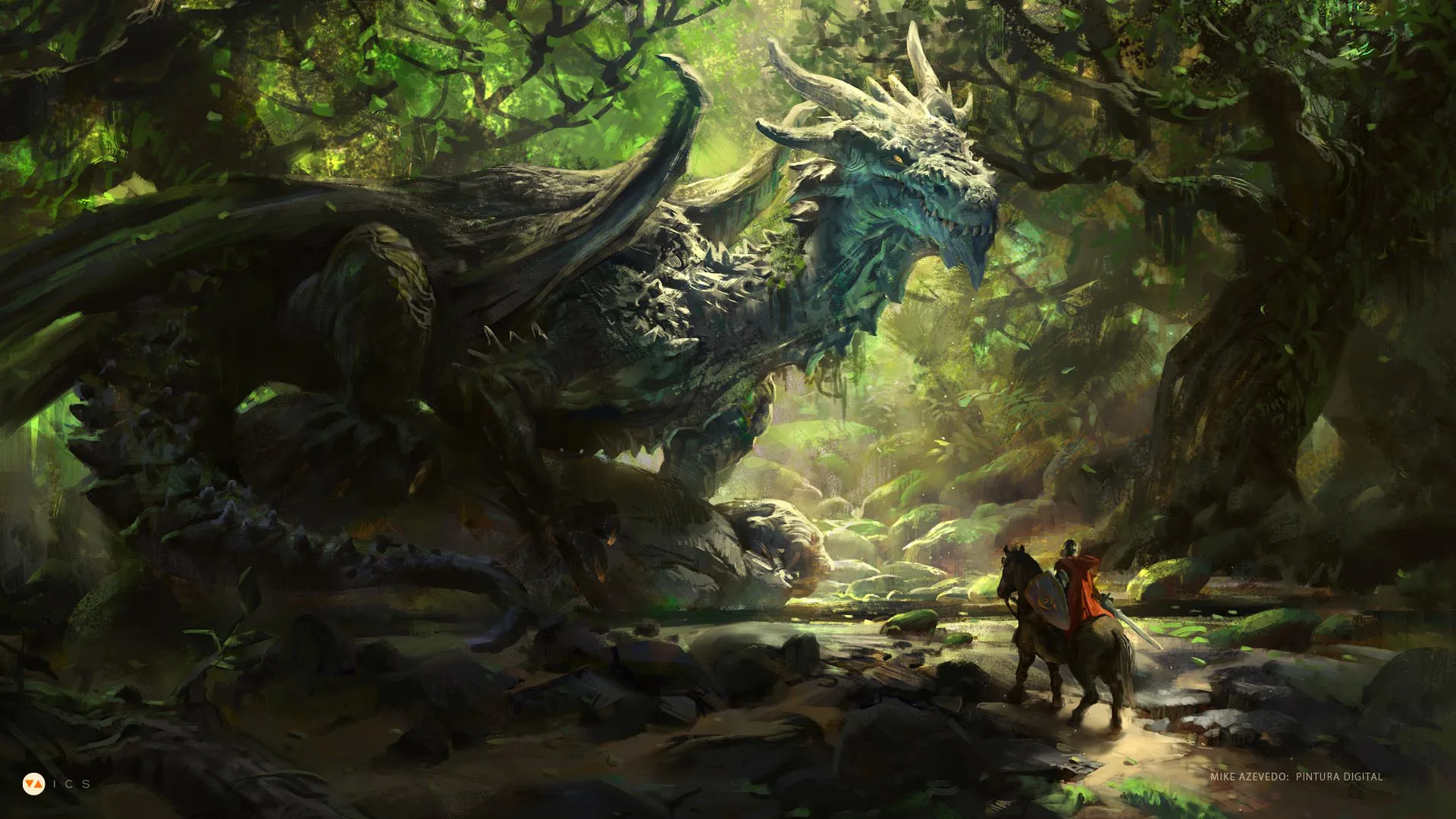
Solidify your understanding of realistic digital painting fundamentals and learn to create compelling images from imagination.

This course is a focused, practical deep-dive into the core principles of realistic digital painting. Instead of just watching demos, you’ll work through structured exercises designed to build a rock-solid foundation in values, color theory, and brushwork. The goal is simple: give you the technical understanding to paint anything you can imagine with confidence.

🎯 What you’ll learn

  • Analyze and synthesize tonal values for realistic lighting.
  • Apply color theory based on physics, context, and cultural meaning.
  • Control brushwork and edges to create different styles and finishes.
  • Structure effective compositions using thumbnails and sketches.
  • Combine all fundamentals to create a finished color sketch from imagination.

✅ Requirements

  • Skills: Basic familiarity with digital painting software (like Photoshop) and a desire to learn the fundamentals.
  • Tools: A drawing tablet is essential for this course.
  • Hardware: A computer capable of running digital painting software.

📝 Description

This isn’t a “paint-along” course. It’s a structured program to train your eye and hand. Mike Azevedo breaks down the intimidating world of realistic painting into digestible, repeatable exercises. You’ll start by learning to see the world in terms of values—the backbone of any believable image. From there, you’ll move into the physics and psychology of color, understanding how light interacts with surfaces and how to use color to tell a story.

The course then tackles brushwork and edges, teaching you how the quality of your strokes can define a style and bring a painting to life. Finally, you’ll learn to structure your ideas through composition and thumbnailing. The entire journey culminates in a final project where you apply everything you’ve learned to create a character from scratch, purely from your imagination. It’s a rigorous, rewarding process that will change how you approach every painting.

🧑‍🎓 Who this course is for

  • Digital artists who feel stuck and want to solidify their understanding of the fundamentals.
  • Illustrators and concept artists looking to improve their ability to paint realistic subjects from imagination.
  • Students who prefer a self-paced, structured curriculum with clear exercises over live feedback.

🧑‍🏫 About the Author

Mike Azevedo is a professional Concept Artist and Illustrator from Osasco, Brazil. With a client list that reads like a who’s who of the games industry—including Riot Games, Valve, Blizzard, NCsoft, Tencent, Supercell, and Guerrilla Games—he brings a wealth of real-world experience to his teaching. He is the creator of MAR Studio and has been a professor at ICS since 2013, known for his clear, methodical approach to teaching complex artistic concepts.

🏁 Final Result

  • A portfolio-ready color sketch of a character, demonstrating a solid grasp of values, color, and composition.
  • A deeper, more intuitive understanding of the core principles that underpin all realistic digital painting.
Curriculum

📋 Course content

  1. Module 1: Values
    • Perception and Synthesis
    • Lighting in the Real World
    • Styles and Application
  2. Module 2: Colors
    • The Physics of Painting
    • Context and Culture
    • Applying Values and Colors Together
  3. Module 3: Brushwork (Edges)
    • Observing Brushstrokes
    • Styles of Brushwork
    • Finishing a Painting
  4. Module 4: Composition
    • Observing Compositional Elements
    • Creating Compositions (Thumbnails)
  5. Module 5: Final Application
    • Creating a Color Sketch
Watch online or Download for Free
Fundamentals of Digital Painting (Fundamentos de Pintura Digital) by Mike Azevedo
NAME
SIZEDURATION
Month 01 & 02
3.3 GB15h 55m
Lesson 01 – Introduction
220.6 MB5h 5m
Feedbacks
117.8 MB2h 16m
Cesar Rosolino
59.5 MB1h 0m
Feedback Cesar
59.4 MB1h 0m
Lesson 01
102.6 MB2h 48m
Lesson 02 – Lighting part 01 – Geoforms
195 MB5h 12m
Feedback
105.7 MB2h 21m
Cesar Rosolino
61.2 MB1h 17m
Feedback
61.1 MB1h 17m
Pagliuso
44.5 MB1h 4m
Lesson 02
89.1 MB2h 50m
Lesson 03 – Lighting part 02 – Tonal Simplification
184 MB4h 27m
Feedbacks
74.8 MB1h 32m
Pagliuso
74.8 MB1h 32m
Lesson 03
109 MB2h 55m
Lesson 04 – Lighting part 03 – Application
518.6 MB1h 9m
Feedbacks
60.3 MB1h 9m
Pagliuso
60.3 MB1h 9m
Lesson 04
458.2 MB
Lesson 05 – Colors part 1 – Perception
708.2 MB
Feedbacks
390.8 MB
A
66.3 MB
B
293.8 MB
B
293.6 MB
Lesson 05
317.2 MB
Lesson 06 – Cores part 2 – Temperature
525.2 MB
Feedbacks
219.1 MB
A
160.8 MB
B
58.3 MB
Lesson 06
305.9 MB
Lesson 07 – Colors part 3 – Application
476.4 MB
FEEDBACKS
87.8 MB
A
87.8 MB
pt 1
45.3 MB
pt 2
42.5 MB
Lesson 07
388.4 MB
Lesson 08 – Closing (Color and Light)
531.5 MB
FEEDBACKS
66.9 MB
B
66.9 MB
pt 1
38.9 MB
pt 2
27.9 MB
Lesson 08
464.4 MB
Month 03
3.1 GB
Lesson 09 – Composition Pt1
748.2 MB
FEEDBACKS
345.8 MB
A
82.2 MB
Pt 1
58.4 MB
Pt 2
23.7 MB
B
263.7 MB
pt 2
263.5 MB
Lesson 09
402.2 MB
Lesson 10 – Composition pt2 (Thumbnail)
564 MB
Lesson 10 – FEEDBACKS
141.2 MB
A
43.4 MB
pt 2
43.4 MB
B
97.7 MB
pt. 1
62.1 MB
pt. 2
35.5 MB
Lesson 10
422.7 MB
Lesson 11 – Composition pt3 (Thumbnail Correction)
864 MB
FEEDBACKS – Lesson 11
485.8 MB
A
106.1 MB
pt 1
57.3 MB
pt 2
48.7 MB
B
379.7 MB
pt 1
235.2 MB
pt 2
144.3 MB
Lesson 12 – Edges
953.4 MB
Feedbacks
546.2 MB
A
395 MB
Pt 1
259.7 MB
Pt 2
135.2 MB
B
151.2 MB
Pt 1
84.7 MB
Pt 2
66.4 MB
Month 04
8.1 GB
Lesson 13 – Edges pt2
552.8 MB
Feedbacks – Lesson 13
119.9 MB
A
119.9 MB
Pt 1
72.7 MB
Pt 2
47.2 MB
Lesson 13
432.7 MB
Lesson 14 – Materials
828.4 MB
Class A
382.4 MB
pt 1 (8)
199.6 MB
pt 2 (10)
182.6 MB
Turma B
86.3 MB
pt. 1 (2)
45.6 MB
pt. 2 (5)
40.6 MB
Lesson 14
359.5 MB
Lesson 15 – Materials pt2
3.7 GB
Feedbacks – Lesson 15
461.5 MB
A
91.2 MB
pt 1
56.8 MB
pt 2
34.4 MB
B
370.3 MB
Pt 1
210.1 MB
Pt 2
159.9 MB
Lesson 16 – Shape Language
3.1 GB
Feedbacks – Lesson 16
380.1 MB
A
273.6 MB
Pt 2 A
273.5 MB
B
106.5 MB
pt. 1
58.7 MB
pt. 2
47.7 MB
Month 05
3.3 GB
Lesson 17
699.1 MB
Feedbacks – Lesson 17
395.3 MB
A
131.6 MB
pt. 1
54.8 MB
pt. 2
76.7 MB
B
263.6 MB
2
263.5 MB
Lesson 18
506.2 MB
Lesson 19
689 MB
feedbacks
340.2 MB
A
201.4 MB
02
201.3 MB
B
138.9 MB
pt. 1
74.3 MB
pt. 2
64.5 MB
Lesson 20
1.5 GB
Feedbacks
576.6 MB
A
186.3 MB
pt. 1
99.6 MB
pt. 2
86.6 MB
B
390.3 MB
Pt 01
248.6 MB
Pt 02
141.6 MB
Month 06
6.3 GB
Lesson 21
1.5 GB
FEEDBACKS – Lesson 21
972.7 MB
A
813.7 MB
Pt 1
406.1 MB
Pt 2
407.4 MB
B
159 MB
Pt. 1
69.2 MB
Pt.2
89.7 MB
Lesson 22
1.2 GB
FEEDBACKS – Lesson 22
581.1 MB
A
109.1 MB
pt. 1
59.3 MB
pt. 2
49.7 MB
B
472 MB
pt 1
252.6 MB
pt 2
219.2 MB
Lesson 23
1.2 GB
FEEDBACKS – Lesson 23
662.7 MB
A
551.7 MB
Pt 1
297.8 MB
Pt 2
253.7 MB
B
111 MB
pt. 1
56.1 MB
pt. 2
54.8 MB
Lesson 23
529.9 MB
Lesson 24
2.5 GB
FEEDBACKS – Lesson 24
466 MB
A
181.8 MB
pt. 1
84.7 MB
pt. 2
97 MB
B
284.2 MB
Pt 1
284.1 MB
Month 07
2.1 GB
Lesson 25
1 GB
FEEDBACKS – Lesson 25
676.3 MB
A
531 MB
Pt 1
295.8 MB
Pt 2
235 MB
B
145.3 MB
pt. 1
93.8 MB
pt. 2
51.4 MB
Lesson 26
1 GB
FEEDBACKS – Lesson 26
692.7 MB
A
156.7 MB
pt. 1
82.6 MB
pt. 2
74 MB
B
523.8 MB
Pt 1
293.3 MB
Pt 2
230.3 MB


Join us on
  Channel    and      Group

Leave a Comment

Your email address will not be published. Required fields are marked *