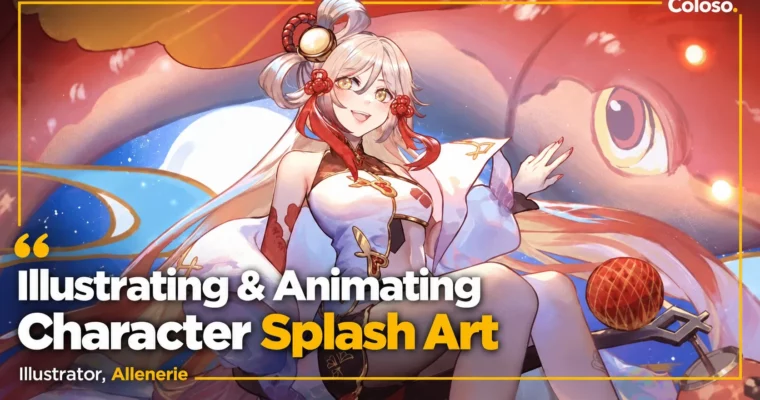
Illustrating & Animating Character Splash Art by Allenerie

Duration:8 Hours 10 Minutes
Actual Duration:8h 10m
Release date:2025
Publisher:Coloso
Skill level:Beginner
Language:English
Exercise files:Yes
Software:Clip Studio Paint, Spine 2D
Course URL:https://coloso.global/en/products/illustrator-allenerie-us
If you love those gacha pull screens and want to make your own, this is it. Allenerie walks you through the full run — from character splash art concept and character sheet setup to painted finish and simple Spine 2D animation that makes it move.
🎯 What you’ll learn
- Analyze backstory, personality, and surroundings to pull usable design keywords
- Gather references and train your eye for what makes splash art pop
- Create thumbnails and rough sketches and pick poses that fit the character
- Refine sketches, block in colors, and lock the mood and lighting
- Render and finish an illustration with light, shadow, and layer effects
- Separate parts, build meshes, rig bones and weights in Spine 2D
- Animate action-to-action keyframes with secondary motion for smooth loops
✅ Requirements
- Skills: Basic drawing skills, familiarity with layers and digital painting workflow
- Tools: Clip Studio Paint (Min. ver 1.11.6), Spine 2D Pro (ver 4.1.20)
- Hardware: Drawing tablet, PC or Mac capable of running illustration and rigging software
📝 Description
You know that blank-canvas stare? You have a character you like, but no clue how to pose them, what to put behind them, or how to make it look like a real game splash. Allenerie starts there. She shows her own process for breaking down a character — backstory, personality, elements — and turning that into keywords, refs, and thumbnail sketching you can actually pick from.
Then she paints. No mystery, just the work: refine the sketch, block color to check the overall vibe, push light and shadow, render, and clean it up with layer effects in Clip Studio Paint. You see how she chooses what to keep, what to cut, and how to tie the character to the background so it tells a story instead of just floating there.
The last stretch is what makes this class different. You take that finished character splash art and prep it for motion. That means separating parts, exporting correctly, building meshes, setting bones and weights, and animating a simple loop in Spine 2D. Nothing over-the-top — just enough secondary motion and timing to make your character breathe on screen. Super useful if you want work that stands out on socials or in a portfolio.
🧑🎓 Who this course is for
- Illustrators who want to make game-style splash art but get stuck at ideation
- Character designers and fan artists looking to add simple 2D animation to their work
- Beginners to Spine 2D who want a clear, art-first rigging workflow
🧑🏫 About the Author
Hey, I’m Allen — I work as a freelance illustrator and character designer. Before going full-time freelance, I worked as a 2D animator and 2D artist in TV animation and games, doing layout and game art. That mix is why I teach illustration and animation together.
These days I mostly do character work for trading card games like Fabled Sagas and Tetraverse TCG, plus short lore animatics and music video art like Code:IREE and Shatter. I grew up loving video games and their splash screens, and I still use them as refs. In this class I share the exact analysis-to-animation workflow I use to get from idea to finished, moving character.
🏁 Final Result
- A finished, portfolio-ready character splash illustration painted from your own character sheet and thumbnails, plus a rigged Spine 2D version with a simple looping animation.
📢 Guys, this is a Group Buy campaign, check the GBC forum thread to get access
You can find the course preview in the download section below.
 Channel