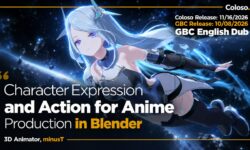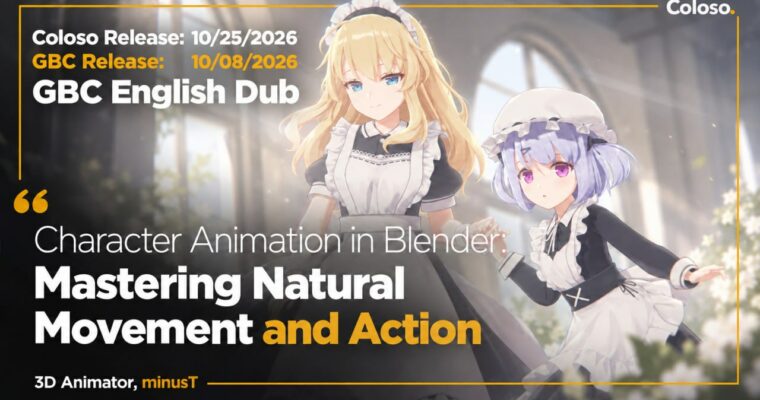
Character Animation in Blender – Mastering Natural Movement and Action by minusT6

Duration:21 h 40 m
Actual Duration:43h 16m
Release date:2026, October 8
Publisher:Coloso
Skill level:Advanced
Language:English
Exercise files:Yes
Software:Blender
Course URL:https://coloso.global/en/products/signature-minust6-us
Go from stiff keyframes to movement that actually feels alive. This class walks you through 13 practical exercises in Blender, starting with balls and pendulums and ending with full character acting, jumps, turns, and high-speed action with 2D effects.
🎯 What you’ll learn
- Use Timeline, Dope Sheet, and Graph Editor to block, edit, and polish motion
- Apply physics basics like inertia, gravity, and acceleration to get natural timing
- Pose characters for standing, sitting, and lying down idle motions that don’t look dead
- Animate head turns, waving, grabbing objects, and putting on a hat with clean arcs
- Bring faces, hands, hair, and clothing to life for believable acting
- Add Grease Pencil 2D effects and polish for dynamic action shots
- Build short character interaction scenes from layout to final detail pass
✅ Requirements
- Skills: Basic familiarity with Blender UI and 3D modeling basics, understanding of keyframes
- Tools: Blender 4.3 installed, 3-button mouse recommended
- Hardware: PC capable of running Blender 4.3, minimum 16GB RAM and dedicated GPU recommended
📝 Description
This isn’t theory for theory’s sake. You start with the stuff every animator has to get right – a bouncing ball, a pendulum, acceleration. minusT uses those simple objects to show you how timing, spacing, and weight actually work in Blender. Once your eye gets it, you move that same logic onto a character.
Then it gets practical fast. You’ll pose and idle characters standing, sitting, and lying down, then push into real gestures: sideways turns, waving, grabbing a teacup with Child of Constraint, putting on a hat. Each exercise is split into blocking then detail, so you learn to get the big pose readable first before you touch fingers, face, or secondary motion.
The second half is where it clicks. Facial acting tied to body language, stationary jumps with proper anticipation, checking shoes with swinging hair and clothes, full turns with skirt overlap. You finish with two mini-shots – high-speed fruit cutting and throwing a ball – where you handle layout, key poses, fast action, and Grease Pencil effects plus Shader Nodes touches. Short sentences? Here’s the deal: stiff motion is usually bad timing and ignored overlap. This class fixes both by repetition.
You get 2 fully rigged characters and 13 project files, so you’re not wasting time setting up. Just open, animate, compare, repeat. If you finished minusT’s 100-chapter production course and felt lost on fundamentals, this is the missing step-by-step layer built for that exact gap.
🧑🎓 Who this course is for
- Students of minusT’s previous class who want to finally nail character movement
- Blender beginners who can model a bit and now want to animate their own original characters
- Animators who want focused reps on gestures, acting, and action to sharpen their reel
🧑🏫 About the Author
minusT is a 3D animator and YouTuber focused on subculture-style character animation in Blender. Self-taught over 16 years, he runs the channel ‘minusT’ with over 30 million total views and produced animation for The Grand Touhou Project Exhibition 2023. He teaches the way he learned – intuitive, exercise-driven, and packed with personal rigging and timing tricks you won’t find in manual docs.
🏁 Final Result
- Complete two polished action shots – high-speed fruit cutting and ball throw – with full-body acting, facial expression, hair/cloth secondary motion, and 2D effects, plus a library of 13 motion exercises ready for your portfolio.
📢 Guys, this is a Group Buy campaign, check the GBC forum thread to get access
You can find the course preview in the download section below.
 Channel