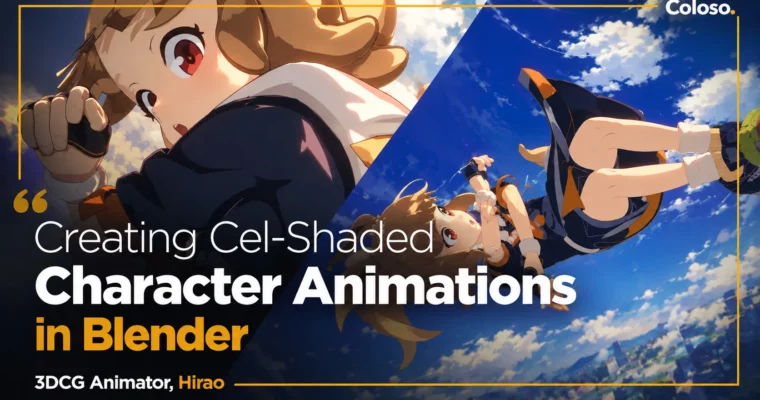
Creating Cel-Shaded Character Animations by Hirao

Duration:27 Hours 44 Minutes
Actual Duration:55h 27m
Release date:2024
Publisher:Coloso
Skill level:Beginner
Language:English
Exercise files:Yes
Software:Blender
Course URL:https://coloso.global/en/products/3dcganimator-hirao-us
Want to make your Blender renders actually move like anime? This class walks you through the full process — toon shading setup, rough layouts, body mechanics, and a finished acrobatic action cut.
🎯 What you’ll learn
- Creating character animation in Blender from keys to final output
- General theory of character animation — timing, weight, inertia and gravity
- Using exaggeration to break physics on purpose and make moves pop
- Limited animation concept for getting natural motion with fewer frames
- Setting up anime-style look with toon shading and outlines
- Drawing 2D rough layouts with Grease Pencil even if you can’t draw
- Secondary animation for clothes, hair, skirt, tail and facial expressions
- Composition, camera work and layout techniques for dramatic action scenes
✅ Requirements
- Skills: Basic familiarity with Blender UI, no prior animation experience required
- Tools: Blender 3.3 or higher, drawing tablet recommended for Grease Pencil roughs
- Hardware: PC capable of running Blender, 3-button mouse
📝 Description
This isn’t a button-tour. Hirao teaches Blender the way animators actually use it — custom workspaces, rig controls, keying, and the Graph Editor habits that keep your timing clean. You start with toon shading setup using provided character files, then sketch ideas directly in 3D with Grease Pencil. No drawing skills needed, just a feel for poses.
Then you get into body mechanics. You’ll block out a run, learn when to use IK/FK switching, and figure out how inertia and gravity read on screen. The point is control: learn what realistic motion looks like first, so you know exactly when to push it, stretch it, and exaggerate for anime snap. You’ll also tackle limited animation — fewer frames, same impact — which is super useful for stylized cuts.
The second half is all about props and action. You’ll rig a ball, animate a character interacting with small objects using constraints, then build a full acrobatic hero shot from 2D layout to 3D. That means planning camera work, converting layouts to 3D space, blocking athletic moves in the air, landing with weight, and layering secondary animation for skirt, hair, clothes, tail and face. You finish with rendering and cutting it together in Blender’s sequencer.
🧑🎓 Who this course is for
- Blender users who want to start animating characters in anime / cel-shaded style
- Beginners who feel stuck on how to make movement look good and natural
- Hobbyists and future 3DCG animators who want a finished action cut for their reel
🧑🏫 About the Author
Hirao is a 3DCG animator currently at Happy Elements Cacalia Studio, producing animation both for games and under his own name. He started as a CG designer at ANON Pictures in 2009, then worked as a CG animator at DandeLion Animation Studio before moving into game cinematics and video production.
His credits include production work on The Girl in Twilight and various 3DCG animation projects, plus video production for Yukihana Lamy’s Birthday Live. He specializes in character animation — storyboarding, layout, and full performance — with a focus on cel-shaded looks in Blender.
🏁 Final Result
- A finished anime-style acrobatic action cut with toon-shaded character, camera work, secondary motion and edit — plus practice pieces: run cycle animation and character-with-prop interaction shot.
📢 Guys, this is a Group Buy campaign, check the GBC forum thread to get access
You can find the course preview in the download section below.
 Channel