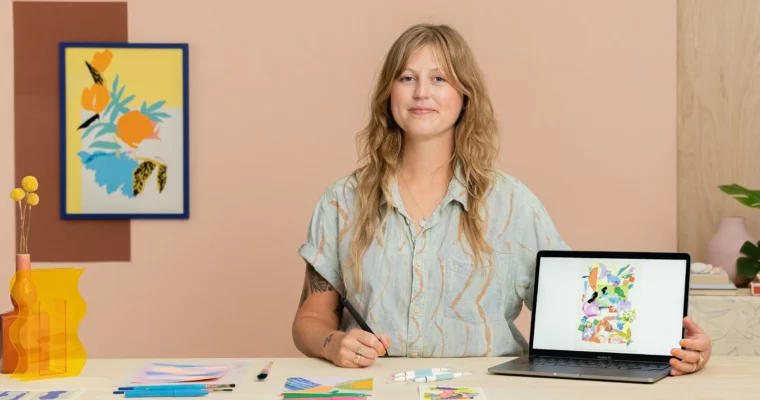
Visual Language by Lucy Sherston

Actual Duration:2h 58m
Release date:2023, May
Publisher:Domestika
Skill level:Beginner
Language:English
Exercise files:Yes
Software:Adobe Photoshop
Course URL:https://www.domestika.org/en/courses/4622-visual-language-with-analogue-digital-illustration-techniques
Find your own visual language by mixing old-school pencil sketching with digital collage in Photoshop. Lucy Sherston shows you how to turn freehand doodles and photo references into a polished A4 poster that feels personal and fresh.
🎯 What you’ll learn
- Create mind maps and gather photo inspiration for your illustrations
- Practice observational and imaginative sketching techniques
- Scan, manipulate, and refine drawings in Photoshop
- Build digital collages with color, texture, and layout experimentation
✅ Requirements
- Skills: No prior Photoshop experience needed
- Tools: Sketchbook, pencils, scanner or camera
- Hardware: Computer with Adobe Photoshop installed
📝 Description
This course is built around a simple idea: your best ideas come from messing around with a pencil in a sketchbook. Lucy Sherston walks you through her process of starting with free, loose sketches—no pressure, no perfectionism—and then bringing those drawings into Photoshop to build something bigger.
You’ll learn how to make mind maps that actually spark ideas, not just fill a page. Then you’ll practice sketching from both real-life references and straight from your imagination. The real magic happens when you scan those drawings and start playing with layout, color, and texture digitally. Lucy shows you how to layer scanned textures, adjust proportions, and experiment with color palettes until the composition clicks.
The whole point is to stop overthinking and start making. By the end, you’ll have a finished A4 poster that feels like your work—not a copy of someone else’s style. It’s a practical, hands-on approach to building a visual language that’s uniquely yours.
🧑🎓 Who this course is for
- Beginners who want to explore illustration without needing advanced software skills
- Experienced artists looking to break out of a creative rut by mixing analog and digital methods
- Anyone curious about turning personal memories and sketches into finished art pieces
🧑🏫 About the Author
Lucy Sherston is an artist and illustrator known for her abstract-figurative compositions that move between physical sketchbooks and digital screens. Her work has appeared on prints, flags, and even deckchairs. She teaches a method that prioritizes creative flow over technical perfection, using manual drawing to generate ideas and design software to refine them. Her approach is generous, detailed, and focused on helping students find their own voice.
🏁 Final Result
- A finished A4 poster illustration that blends hand-drawn sketches with digital collage techniques, inspired by your personal memories
 Channel