Comprehensive DaVinci Resolve With Color Grading Masterclass by Learnify IT

Duration:4.5 hours
Actual Duration:4h 23m
Release date:2026
Publisher:Udemy
Skill level:Beginner
Language:English
Exercise files:Yes
Software:DaVinci Resolve
Course URL:https://www.udemy.com/course/comprehensive-davinci-resolve-with-color-grading-masterclass
Want to stop guessing with color and actually finish videos that look pro? This course walks you through DaVinci Resolve from setup to export, with a heavy focus on color grading and clean, practical editing.
🎯 What you’ll learn
- Navigate the DaVinci Resolve interface and manage projects, media, and timelines
- Cut and trim footage, work with the Timeline Panel, and build a solid rough cut
- Apply primary and secondary color corrections to fix exposure, white balance, and contrast
- Use curves, qualifiers, power windows, and LUTs for precise, cinematic looks
- Edit audio, add video and audio transitions, and use masking for clean effects
- Deliver finished videos in high-quality formats for YouTube and social media
✅ Requirements
- Skills: Basic computer experience, no prior video editing knowledge required
- Tools: DaVinci Resolve (free version is enough for the whole course)
- Hardware: Computer capable of running DaVinci Resolve
📝 Description
If you shoot video but get stuck in post, this is for you. You will start with the basics — where everything lives, how to import, how project settings work, and how to keep your media organized. No fluff. Just the setup that saves you headaches later.
Then you get into the actual cut. You will learn cutting, trimming, working in the Timeline Panel, and adding transitions without making it look cheap. It is all about speed and clean storytelling. Get in, make the cut, keep it moving.
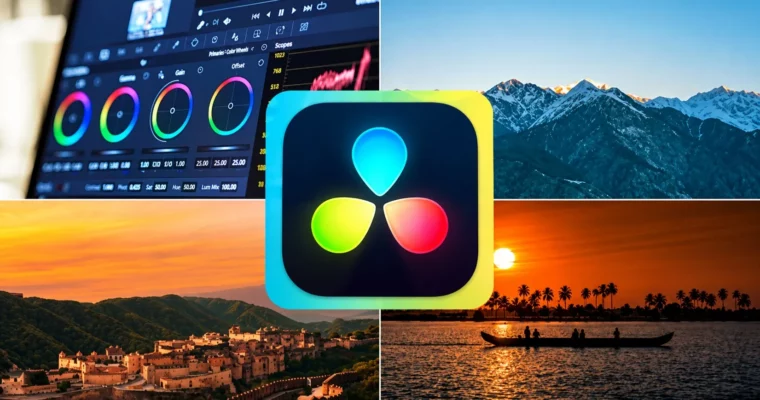
The big chunk is color. You will break down color wheels, curves, and primary corrections first, then move to the fun stuff: qualifiers, power windows, masking, and LUTs. The idea is simple — fix problems first, then build a look that fits the mood of the story.
You also cover the finishing side: basic audio mixing, balancing levels, and exporting for different platforms. Everything ends with two class projects where you put the edit, color, and audio together on real timelines.
🧑🎓 Who this course is for
- Filmmakers and videographers who want cleaner edits and Hollywood-style color grading
- Content creators and YouTubers who want better visuals and more polished storytelling
- Social media marketers and entrepreneurs who need scroll-stopping video content
🧑🏫 About the Author
Learnify IT creates hands-on, beginner-friendly training in video production and software skills. Their courses focus on practical workflows in tools like DaVinci Resolve, with step-by-step demos and project files you can follow along with. Good pick if you want clear instructions without overcomplicated theory.
🏁 Final Result
- A fully edited and color-graded video project built in DaVinci Resolve, ready for portfolio and YouTube / social media delivery.
 Channel