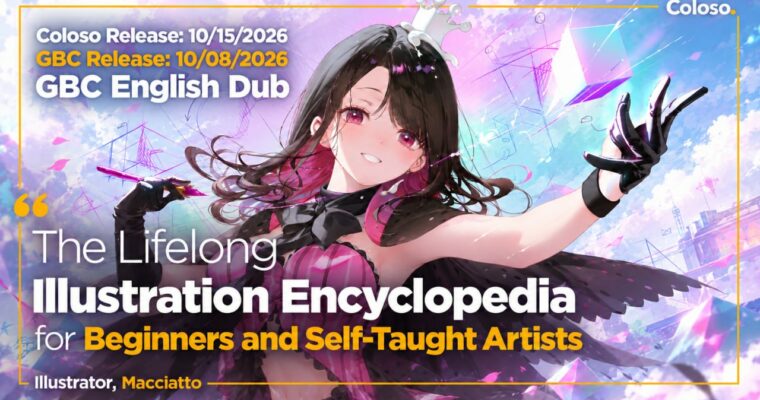
The Lifelong Illustration Encyclopedia for Beginners and Self-Taught Artists by Macciatto2

Actual Duration:20h 59m
Release date:2026, June 16
Publisher:Coloso
Skill level:Beginner
Language:English
Exercise files:Yes
Software:Clip Studio Paint
Course URL:https://coloso.global/en/products/illustrator-macciatto2-us
Tired of staring at a blank canvas with no clue where to start? This class gives you a repeatable drawing order for Clip Studio Paint, figure drawing, and a practical coloring workflow so you can finish your first full illustration without guessing.
🎯 What you’ll learn
- Set up Clip Studio Paint brushes, workspace, and layers for a clean workflow
- Draw heads, eyes, ears, and hair from front, side, back, and three-quarter angles
- Construct torsos, shoulders, arms, legs, hands, and feet with stable proportions
- Draw shoes, clothing silhouettes, folds, collars, lace, and suit details
- Build illustrations from thumbnail to rough, sketch, line art, and base colors
- Render form shadows, cast shadows, midtones, and occlusion shadows with depth
- Find your coloring style with cel shading, grisaille, and brush rendering techniques
✅ Requirements
- Skills: No prior illustration experience required, basic computer literacy is enough
- Tools: Clip Studio Paint EX (all core features work in version 1.0 and up)
- Hardware: PC or Mac capable of running Clip Studio Paint, drawing tablet recommended
📝 Description
If you have opened Clip Studio and frozen, you are not alone. This class replaces vibes-based drawing with a clear order of operations. You set up your brushes, layers, and canvas first, then move through head, body, clothes, and color in that order. No skipping around. No panic at the rough stage.
For drawing, Macciatto breaks the character into parts you can actually practice. You get multi-angle faces that hold up beyond the front view, plus hair broken down by flow and volume. Then torso, shoulders, arms, legs, hands, and feet — with male/female proportion differences and photo reference study built in. It is very hands-on, with step-by-step JPGs and PSDs so you can see the real line art stack, not just the theory.
Color is where most beginners break form. Here you learn to read light simply: form shadows vs. cast shadows, light-to-shadow ratio, then midtones and occlusion shadows for contact depth. You will test multiply vs. normal layers vs. glazing, try cel shading, grisaille, watercolor and oil brushes, and eye, hair highlight, and glossy material rendering. The point is not to copy one style. It is to compare methods and keep what fits you.
What makes this stick is the self-study system. You get practice source files, reference-gathering methods, gesture and master studies routines, plus shortcuts and actions to speed up your rendering workflow. The idea is simple: finish this class with one complete piece, and have a checklist to make the next one on your own.
🧑🎓 Who this course is for
- Complete beginners who feel lost right from the start and need a clear first roadmap
- Self-taught artists with scattered knowledge but no stable working routine
- Anyone who wants private-tutor-style guidance through the full process from sketch to finish
🧑🏫 About the Author
Hi, I’m Macciatto — freelance illustrator working in anime-style illustration, character design, and webtoons. I have done game illustration and concept art, animation character and costume design, light novel and web novel covers, and VTuber character design.
My client work includes Azur Lane, Blue Archive, Million Arthur, SEGA projects, Game Manasis Refrain, and Animation Shining Star, plus a Silver Award at the Kadokawa Dengeki Bunko Illustration Contest. I also lead instruction at Attorial Academy with 13 years of teaching and 5,000+ students taught, which is why this curriculum is built around the exact spots where beginners get stuck.
🏁 Final Result
- A complete anime-style character illustration from thumbnail to final adjustments, with clean line art, structured shadows, and polished finish — plus layered PSD workflow files and a personal practice routine to reuse for your next piece.
📢 Guys, this is a Group Buy campaign, check the GBC forum thread to get access
You can find the course preview in the download section below.
 Channel