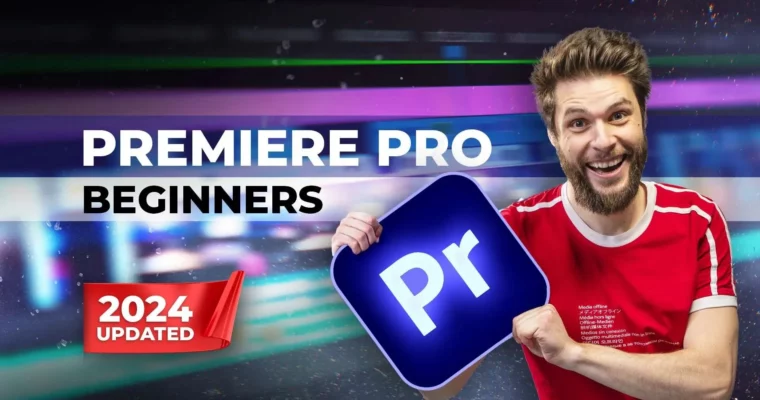
Video Editing With Adobe Premiere Pro For Beginners (2024) by Jordy Vandeput

Duration:3 hours 45 minutes
Actual Duration:3h 44m
Release date:2024
Publisher:Cinecom
Skill level:Beginner
Language:English
Exercise files:Yes
Software:Adobe Premiere Pro
Course URL:https://www.cinecom.net/courses/video-editing-adobe-premiere-pro-beginners/
Learn professional video editing with Adobe Premiere Pro. A beginners course to get you started with basic editing techniques, text & graphics, audio enhancing, transitions, video effects and so much more! Updated for 2024, it covers the latest features and tools.
🎯 What you’ll learn
- Organizing and starting a Premiere Pro project
- Perform basic edits, arranging clips and working in multiple layers
- Perform advanced edits using the toolbox, masks and blending techniques
- Applying and adjusting video/audio effects
- Create custom graphics and texts
- Making custom templates and using third party templates
- Create custom animations and understand its mechanics
- Mixing audio from speech, music and sound effects
- Exporting a video with the proper settings
✅ Requirements
- Skills: No prior video editing experience needed
- Tools: Adobe Premiere Pro (any recent version)
- Hardware: Computer capable of running Premiere Pro
📝 Description
Turn your creative ideas into amazing videos with Adobe Premiere Pro. An interactive and hands-on course for anyone who wants to get started editing professional videos. By the end of this course you will understand the user interface and perform a professional video editing workflow. You can create and animate graphics and text, enhance audio and mix music, color correct video clips and more.
Updated for 2024, it covers the latest features and tools. Don’t feel overwhelmed, but get comfortable with Adobe Premiere Pro instead!
🧑🎓 Who this course is for
- Complete beginners who have never used Premiere Pro
- Content creators looking to improve their editing skills
- Anyone wanting to learn professional video editing from scratch
🧑🏫 About the Author
Jordy Vandeput has more than 10 years experience as a filmmaker and video editor. He is the founder of Cinecom (cinecom.net) — a popular YouTube channel and training platform with over 2,700,000 subscribers and 400,000+ students. Cinecom has been inspiring the online world about creative filmmaking techniques, video editing and visual effects since 2014.
🏁 Final Result
You will have a solid understanding of Adobe Premiere Pro and be able to edit, enhance, color grade, and export your own video projects from start to finish.
:information_source: Source
Real data taken from https://www.cinecom.net/courses/video-editing-adobe-premiere-pro-beginners/
 Channel