Inside Fresco With by Webster

Actual Duration:59m
Release date:2019
Publisher:Domestika
Skill level:Intermediate
Language:English
Exercise files:Yes
Software:Adobe Fresco
Course URL:http://REQUIRES%20UPDATE
This masterclass with Kyle Webster focuses on the core mechanics of digital art creation in Adobe Fresco, covering live brushes, vector and pixel tools, and animation features. You’ll learn how to harness realistic watercolor and oil paint behaviors, utilize resolution-independent brushes, and bring illustrations to life with motion paths—all without complex frame-by-frame setups.
🎯 What you’ll learn
- Mastering realistic watercolor and live oil paint behaviors.
- Utilizing resolution-independent vector brushes and smart trimming modes.
- Bringing illustrations to life using motion paths without complex frame-by-frame setups.
✅ Requirements
- Skills: Basic digital drawing experience, familiarity with layer-based software.
- Tools: Drawing tablet or stylus, Adobe Fresco installed.
- Hardware: iPad or Windows tablet with stylus support, minimum 4GB RAM.
📝 Description
Kyle Webster is a legend in the digital art world, and in this course, he pulls back the curtain on Adobe Fresco. You’ll start by getting comfortable with the interface and then jump straight into the live brushes—understanding how flow, opacity, and color mixing work to mimic traditional media. It’s not just about painting; it’s about understanding the engine behind the brush.
Next, you’ll explore the vector and pixel tools, learning when to use each and how to combine them. The smart trimming modes are a game-changer for clean edges, and you’ll see how to integrate them into your workflow.
Finally, you’ll tackle animation features, using motion paths to add life to your illustrations. No need for complex frame-by-frame animation; Fresco makes it accessible and fun. By the end, you’ll have a solid grasp of Fresco’s capabilities and a portfolio piece that showcases your new skills.
🧑🎓 Who this course is for
- Digital artists looking to expand their toolkit with Adobe Fresco.
- Illustrators interested in combining vector and raster techniques.
- Animators wanting to add motion to their illustrations without complex software.
🧑🏫 About the Author
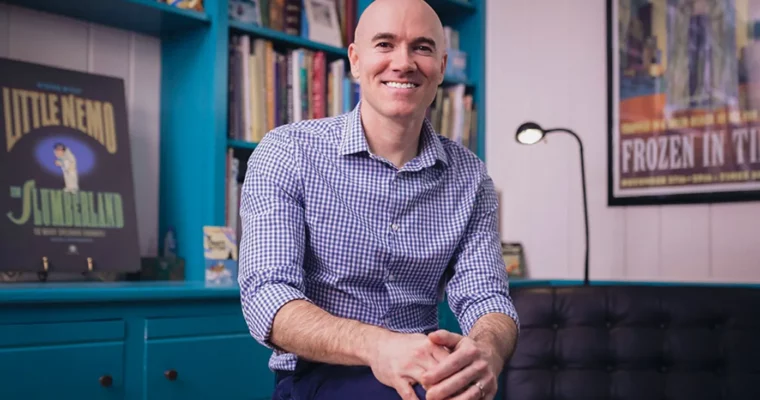
Kyle Webster is a renowned digital artist and brush designer. He has created custom brushes for Adobe and has been instrumental in the development of Adobe Fresco’s brush engine. His expertise in digital painting and illustration makes him a leading authority.
🏁 Final Result
- A portfolio-ready illustration or animation created entirely in Adobe Fresco, demonstrating mastery of live brushes, vector tools
 Channel