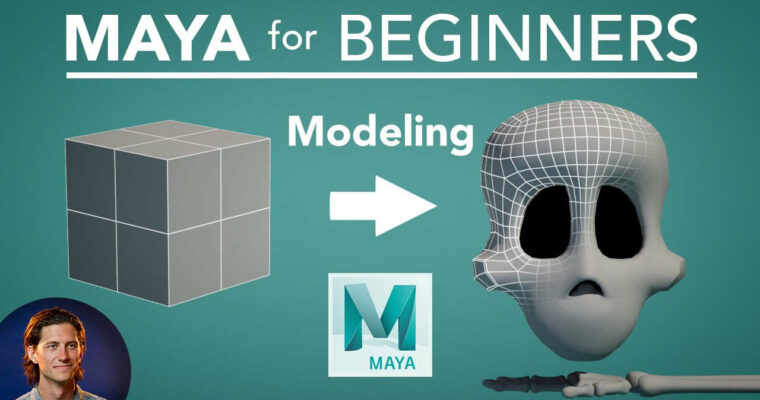
Welcome to the first part in a series of Maya for Beginners. Take one or any of the parts in any order you wish! You don’t have…
It looks like you're using an adblocker. Adblockers make us sad. We use ads to keep our content happy and free. If you like what we are doing please consider supporting us by whitelisting our website. You can report badly-behaved ads by clicking/tapping the nearby 'Advertisement' X text.



Welcome to the first part in a series of Maya for Beginners. Take one or any of the parts in any order you wish! You don’t have…
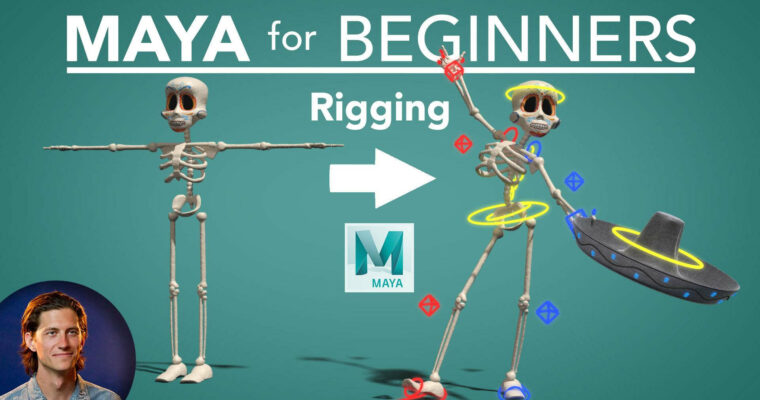
Let’s learn what it takes to make model’s move! We will give our character real bones so we can articulate the model for animation. Rigging is an…
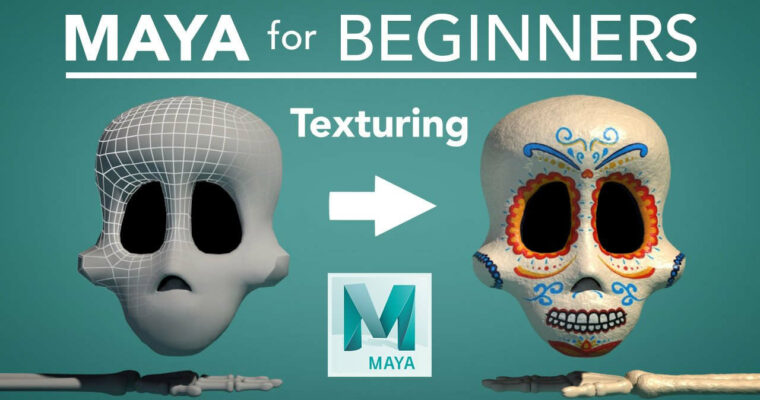
In this second part of the course series, we will learn how to give color and texture to our 3D models! “Look Development” is a broad term…

In this series, we have a little something for every Revit designer—beginners and seasoned users alike! Each video focuses on a specific tip, trick, or troubleshooting technique…

Take your CAD skills up a notch. Work smarter, not harder, with AutoCAD. AutoCAD Tips & Tricks provides weekly tips, techniques, and workarounds to make designers like…

Chris Landreth broke out with his Oscar-winning animated short, Ryan. Now he conducts research on facial expressions and body language and helps a brand-new generation of animators…
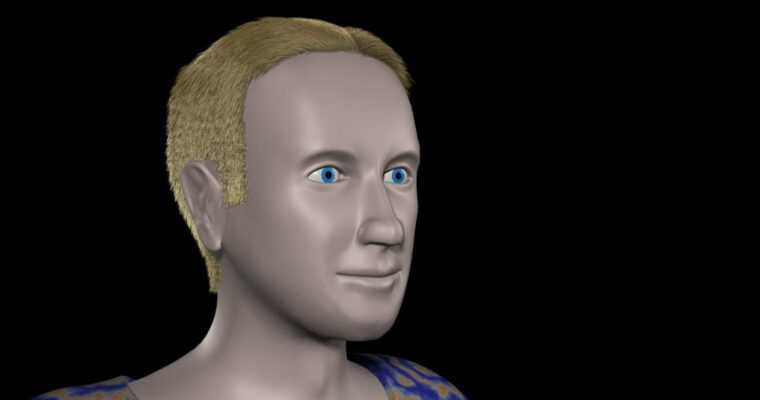
Get tried and true techniques for creating, styling, animating, and rendering hair with nHair in Autodesk Maya. Aaron F. Ross will show you how to prepare your…
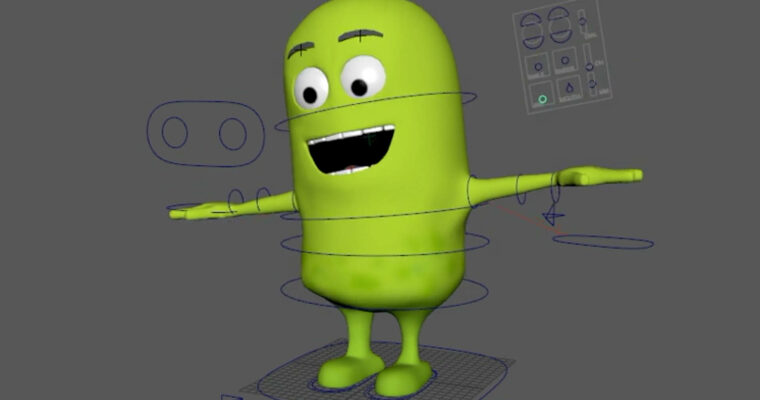
Cartoon characters are known for their exaggerated movement, often created by squashing and stretching the character. In this course, George Maestri shows how to add cartoony squash…
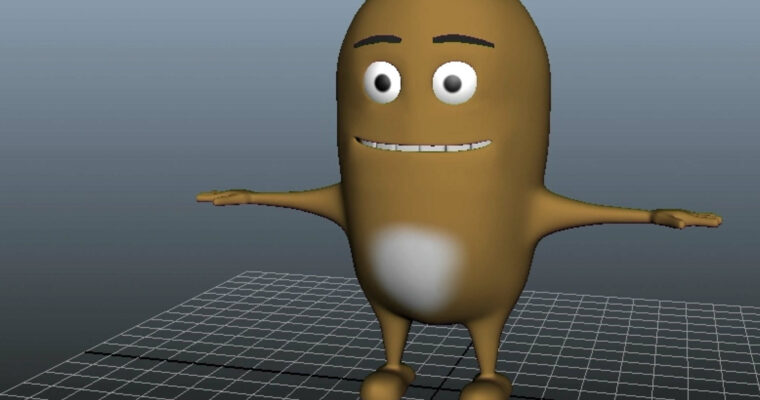
Learn how to model a simple cartoon character in Maya, and get the skills to create your own cartoon creatures, great and small. In this course, author…
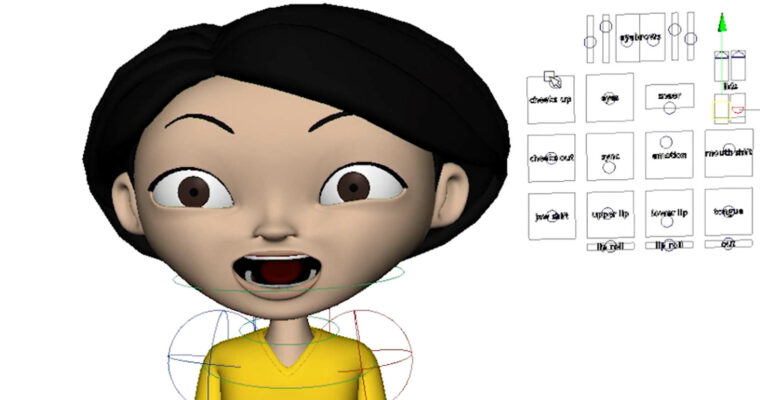
Facial animation makes your character’s inner life shine through. This course—focused on the principles, not the tools, of animation—explores how anatomy, expression, and emotion intertwine, and how…
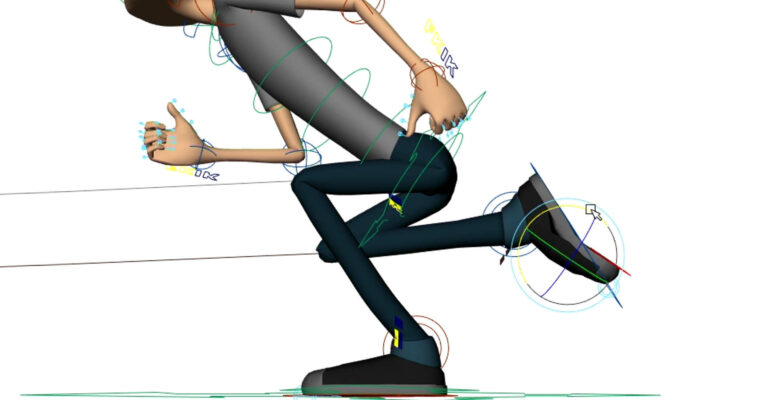
Getting characters to walk is one thing; adding character to a walk is another. But it’s not impossible and it’s not software specific. In fact, the locomotion…

Need to learn Maya? Start here. This course covers the latest features in Maya 2016, while giving you a strong foundation in all the core tools, including…